EasyManua.ls Logo

Dell D3100 - User Manual

Dell D3100
11 pages
Print Icon
To Next Page IconTo Next Page
Loading...
Model: D3100
User Guide
Dell Docking Station – USB 3.0

Other manuals for Dell D3100

Questions and Answers

Summary

Product Specifications

Upstream Input and Downstream Outputs

Details the upstream USB 3.0 input and various downstream output ports.

Resolution and Refresh Rate Support

Lists supported display resolutions and refresh rates for different monitor configurations.

Product Overview

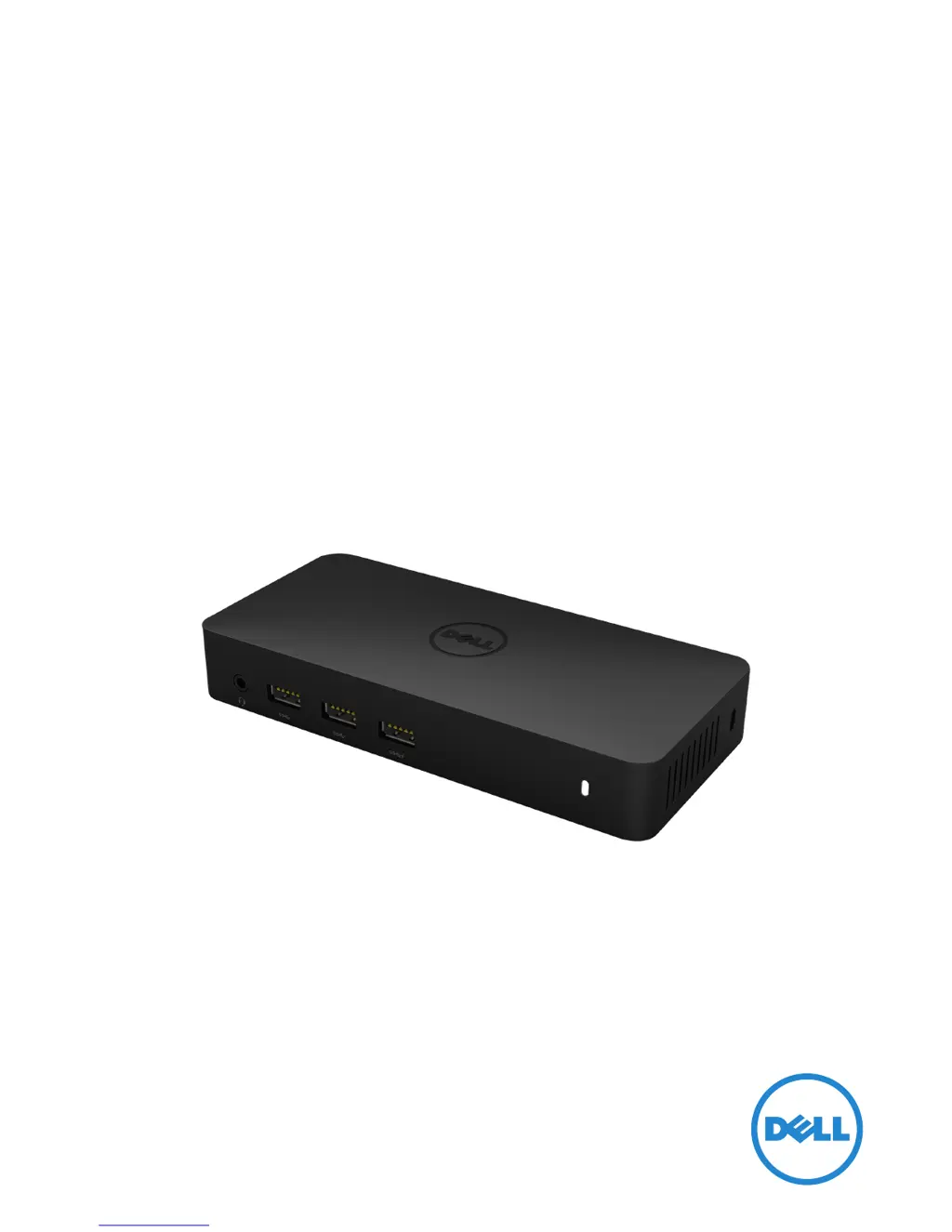
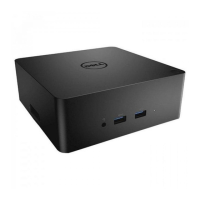
Front View Identification

Identifies all ports and features visible on the front of the docking station.

Back View Identification

Identifies all ports and features visible on the back of the docking station.

System Requirements and Setup

System Requirements

Details hardware, OS, and operating temperature needed for the docking station.

Windows 7;8;8.1 Setup with Bundled CD

Guide for installing drivers and software using the bundled CD for Windows 7/8/8.1.

Windows 7;8;8.1 Setup without Bundled CD

Guide for installing drivers from the web for Windows 7/8/8.1 without a CD.

DisplayLink Manager Menu and Display Modes

DisplayLink Manager Options

Explains the functions available in the DisplayLink Manager software menu.

Setting Extended Display Mode

Instructions on how to configure the display into extended mode using DisplayLink.

Setting Mirror Display Mode

Instructions on how to configure the display into mirror mode using DisplayLink.

Fit to TV Configuration

Adjusting Desktop Size for TV

Guide to resizing the Windows desktop to fit the TV screen using DisplayLink GUI.

Troubleshooting FAQs

Common Troubleshooting Issues

Provides solutions for common problems like no video, distorted video, or non-functioning USB ports.

Driver Installation Issues

Offers solutions for DisplayLink driver installation and driver acquisition problems.

Laptop Boot and Network Issues

Addresses issues like laptop failure to boot with dock or network access errors.

Power LED and Regulatory Information

Power LED Indicator States

Explains the meaning of the LED indicator for different power states.

Regulatory Compliance

States compliance with FCC/CE rules and other worldwide regulations.

Contacting Dell Support

Provides instructions and links for obtaining support from Dell.

Summary

Product Specifications

Upstream Input and Downstream Outputs

Details the upstream USB 3.0 input and various downstream output ports.

Resolution and Refresh Rate Support

Lists supported display resolutions and refresh rates for different monitor configurations.

Product Overview

Front View Identification

Identifies all ports and features visible on the front of the docking station.

Back View Identification

Identifies all ports and features visible on the back of the docking station.

System Requirements and Setup

System Requirements

Details hardware, OS, and operating temperature needed for the docking station.

Windows 7;8;8.1 Setup with Bundled CD

Guide for installing drivers and software using the bundled CD for Windows 7/8/8.1.

Windows 7;8;8.1 Setup without Bundled CD

Guide for installing drivers from the web for Windows 7/8/8.1 without a CD.

DisplayLink Manager Menu and Display Modes

DisplayLink Manager Options

Explains the functions available in the DisplayLink Manager software menu.

Setting Extended Display Mode

Instructions on how to configure the display into extended mode using DisplayLink.

Setting Mirror Display Mode

Instructions on how to configure the display into mirror mode using DisplayLink.

Fit to TV Configuration

Adjusting Desktop Size for TV

Guide to resizing the Windows desktop to fit the TV screen using DisplayLink GUI.

Troubleshooting FAQs

Common Troubleshooting Issues

Provides solutions for common problems like no video, distorted video, or non-functioning USB ports.

Driver Installation Issues

Offers solutions for DisplayLink driver installation and driver acquisition problems.

Laptop Boot and Network Issues

Addresses issues like laptop failure to boot with dock or network access errors.

Power LED and Regulatory Information

Power LED Indicator States

Explains the meaning of the LED indicator for different power states.

Regulatory Compliance

States compliance with FCC/CE rules and other worldwide regulations.

Contacting Dell Support

Provides instructions and links for obtaining support from Dell.

Dell D3100 Specifications

General IconGeneral
DC-in jackYes
Microphone inNo
Headphone outputs0
USB connector typeUSB Type-A, USB Type-B
USB 2.0 ports quantity2
Connectivity technologyWired
USB 3.2 Gen 1 (3.1 Gen 1) Type-A ports quantity3
Networking standardsIEEE 802.3, IEEE 802.3ab, IEEE 802.3u
Ethernet LAN data rates10, 100, 1000 Mbit/s
Copper ethernet cabling technology1000BASE-T, 1000BASE-TX, 100BASE-T, 100BASE-TX, 10BASE-T
Product colorBlack
Brand compatibilityDell
Maximum digital resolution3840 x 2160 pixels
Cables includedUSB
Power source typeDC
Compatible power plug typesEU
Windows operating systems supportedWindows 10, Windows 7, Windows 8, Windows 8.1
Harmonized System (HS) code84733020

Related product manuals