7
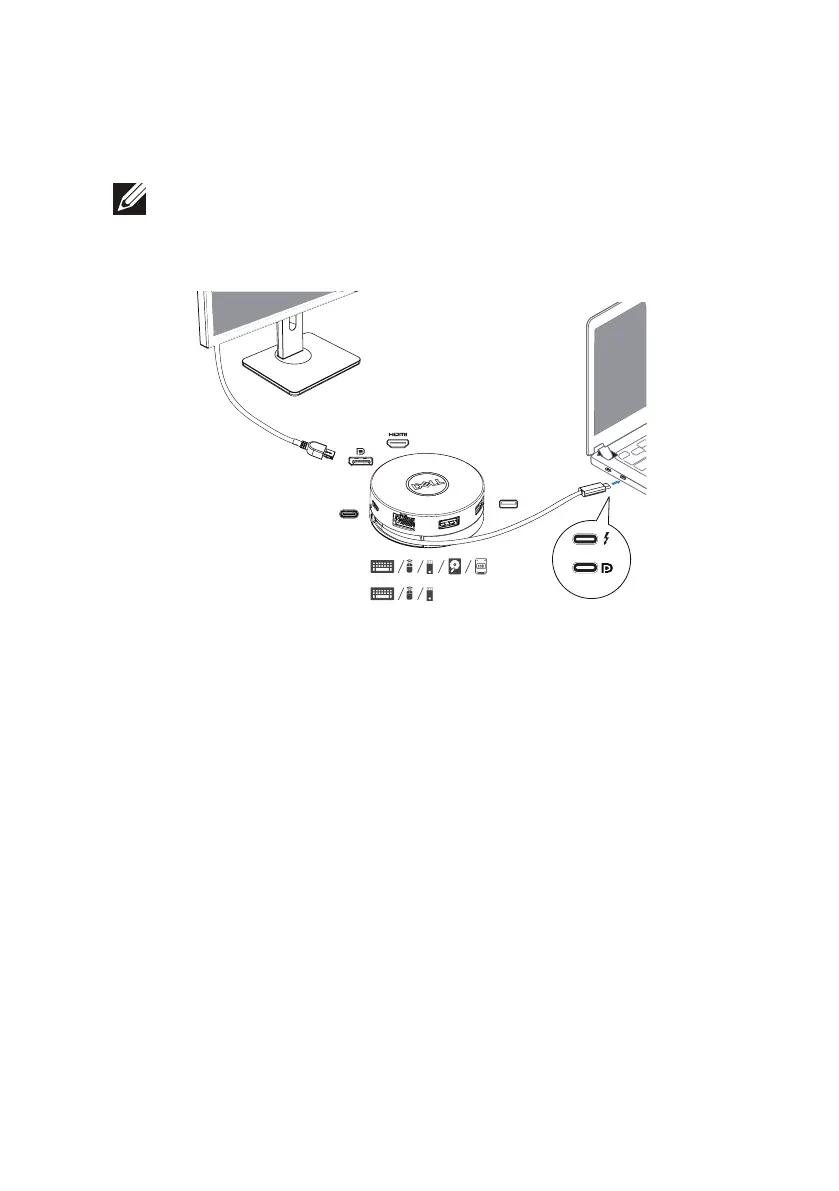
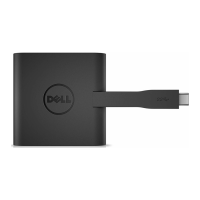
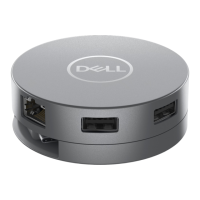
3. Connect the USB-C cable of your DA305 to the Thunderbolt port (15W)
or USB-C (DisplayPort Alt Mode, 15W or 7.5W) port on your PC.
The image below shows the DA305 connected to several peripherals without
an external power source.
NOTE: DA305 can support only one display at any given time.
Without Power Delivery Pass-Through
3 Display out (Choose 1)
USB-C
Dual USB-A
USB-C / Dual USB-A
15 W
15 W
15 W / 7.5 W
7.5 W


 To Next Page