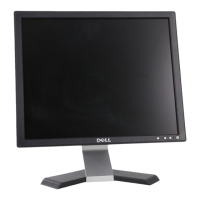
19" LCD Color Monitor Dell E1909Wc
11
VGA
Select VGA input when you are using the analog (VGA) connector. Push
to select the VGA input source.
DVI-D
Select DVI-D input when you are using the Digital (DVI) connector. Push
to select the DVI input source.
Color
Settings
Use the Color Settings to adjust the color setting mode and color
temperature.
There are different color setting sub-menus for VGA/DVI-D and Video input.
Input Color
Format
Choose the RGB option if monitor is connected to a PC or a DVD using a
VGA or DVI cable. Choose the YPbPr option if monitor is connected to a
DVD by a YPbPr to VGA or YPbPr to DVI cable or if the DVD color output
setting is not RGB.
Mode
Selection
You can choose Graphics or Video according to the input signal. Select
Graphics if connecting a PC to your monitor; for connecting DVD, STB or
VCR to your monitor, Video is recommended.



 To Next Page