Appendix 73
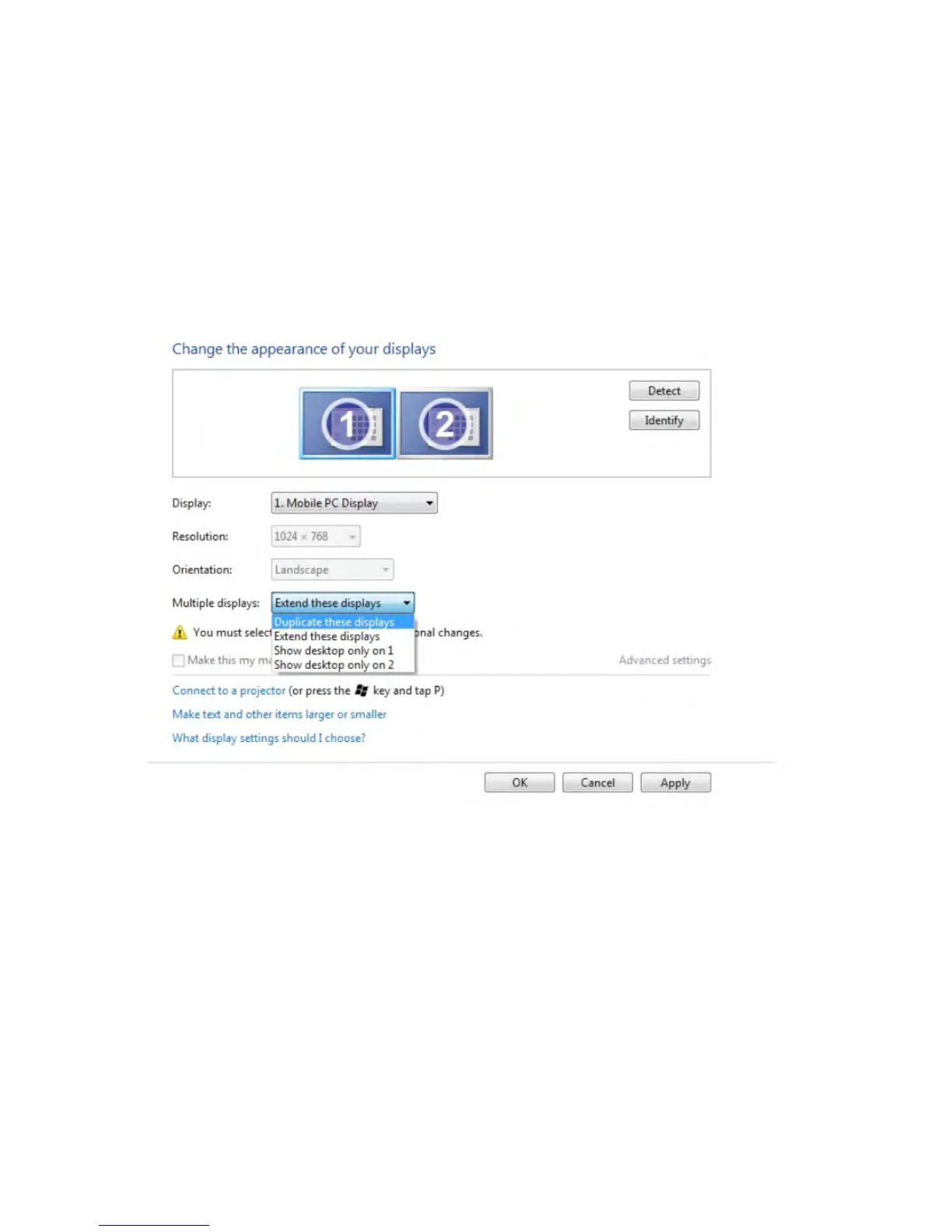
Setting Display Styles For Multiple Monitor
After the external monitor(s) have been set up, users can select the desired display style
from Multiple displays menu: Duplicate, Extend, Show Desktop On.
• Duplicate these displays: Duplicate the same screen on two monitors with the
same resolution, chosen based on the monitor with a lower resolution.
For Windows Vista®
[DUPLICATE NOT AVAILABLE]
For Windows® 7



 To Next Page