20" LCD Color Monitor Dell E207WFP
13
OSD Warning Messages
One of the following warning messages may appear on the screen indicating that the monitor is out of
synchronization.
This means that the monitor cannot synchronize with the signal that it is
receiving from the computer. Either the signal is too high or too low for the
monitor to use. See specifications for the Horizontal and Vertical frequency
ranges addressable by this monitor. Recommended mode is 1680 X 1050 @
60Hz.
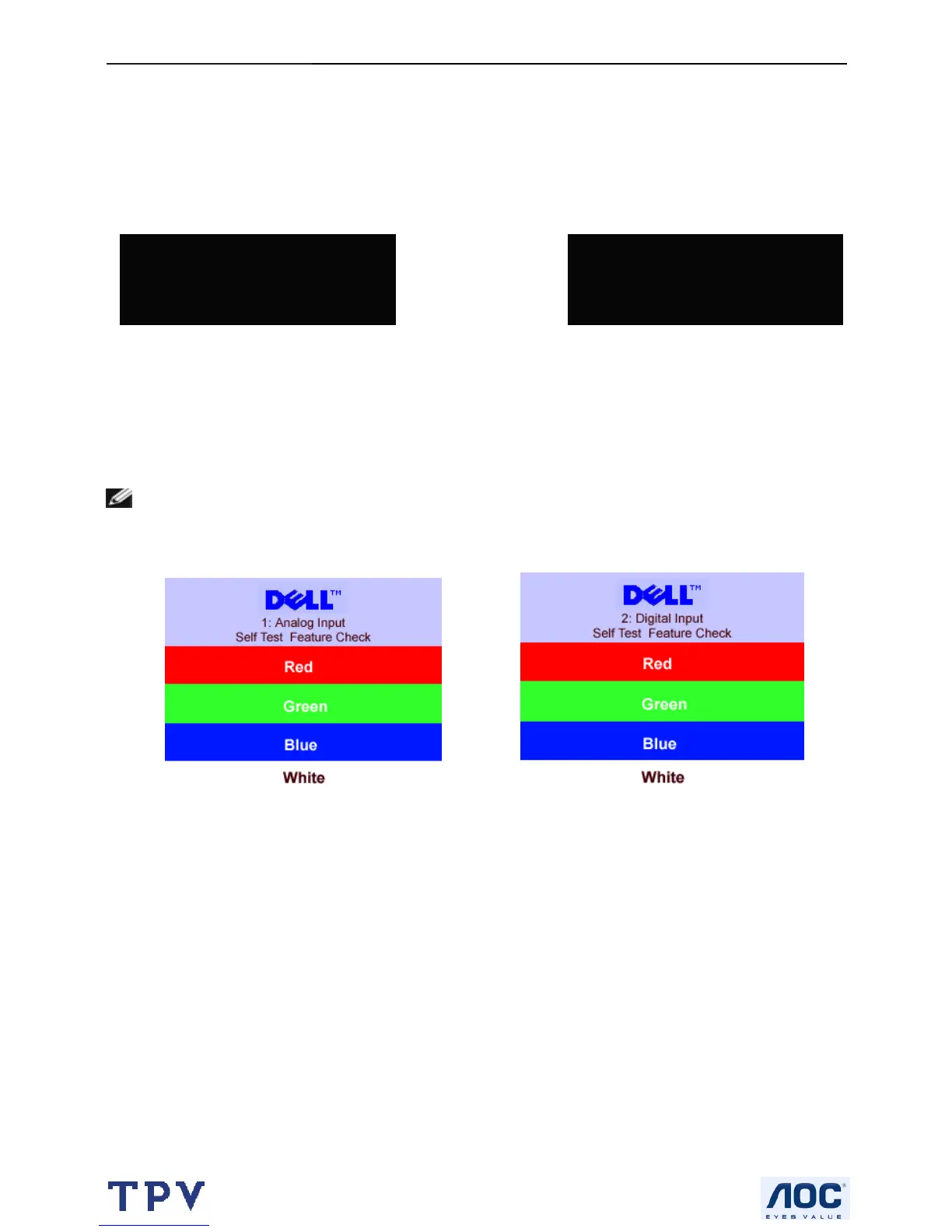
NOTE: The floating Dell Self-test Feature Check dialog appears on-screen if the monitor cannot sense a
signal cable.
Occasionally, no warning message appears, but the screen is blank. This could also indicate that the monitor is not
synchronizing with the computer.
See solving problems for more information.
2.Digital Input
Cannot Display This Video Mode
Optimum Resolution 1680 x1050
1.Analog Input
Cannot Display This Video Mode
Optimum Resolution 1680 x1050
or
or



 To Next Page