20" LCD Color Monitor Dell E207WFP
17
4.5 Definition of Pixel Defects
4.5.1 Dot Defect
Bright Dot
Dots(sub-pixels) which appeared brightly in the screen when the LCM displayed with Full Black pattern.
- R, G or B 1 dot -------------------------------------------------- 0 Max
- Adjacent 2 dots ----------------------------------------------------- 0 Max
- Total amount of Bright dots -------------------------------------- 0 Max
Partial Bright Dot
- Green Partial bright dot (tiny dot, <=1/4) ---------------- 5 Max
Dark Dot
Dots (sub-pixels), which appeared darkly in the screen when the LCM displayed with bright pattern.
- 1 dot -------------------------------------------------------------- 5 Max
- Adjacent 2 dots ------------------------------------------------- 0 Max
- Total amount of Dark dot ------------------------------------- 4 Max
- Minimum distance of Dark dots ------------------------------- 15mm
Total amount of Dot Defects ---------------------------------------------- 5 Max(Combination)
(except Partial bright dot)
4.5.2 Polarizer Defects
Items Criteria
Scratches Linear
0.01<=W<=0.1, 0.3<=L<=7.0, N<=3
Dent Circular
0.3<=D<=0.7, N<=5
Note) continued
c. Extraneous substances which can be wiped out, like Finger Print, Particles, are not considered as a defect.
b. Defects which is on the Black Matrix(outside of Active Area) are not considered as a defect.
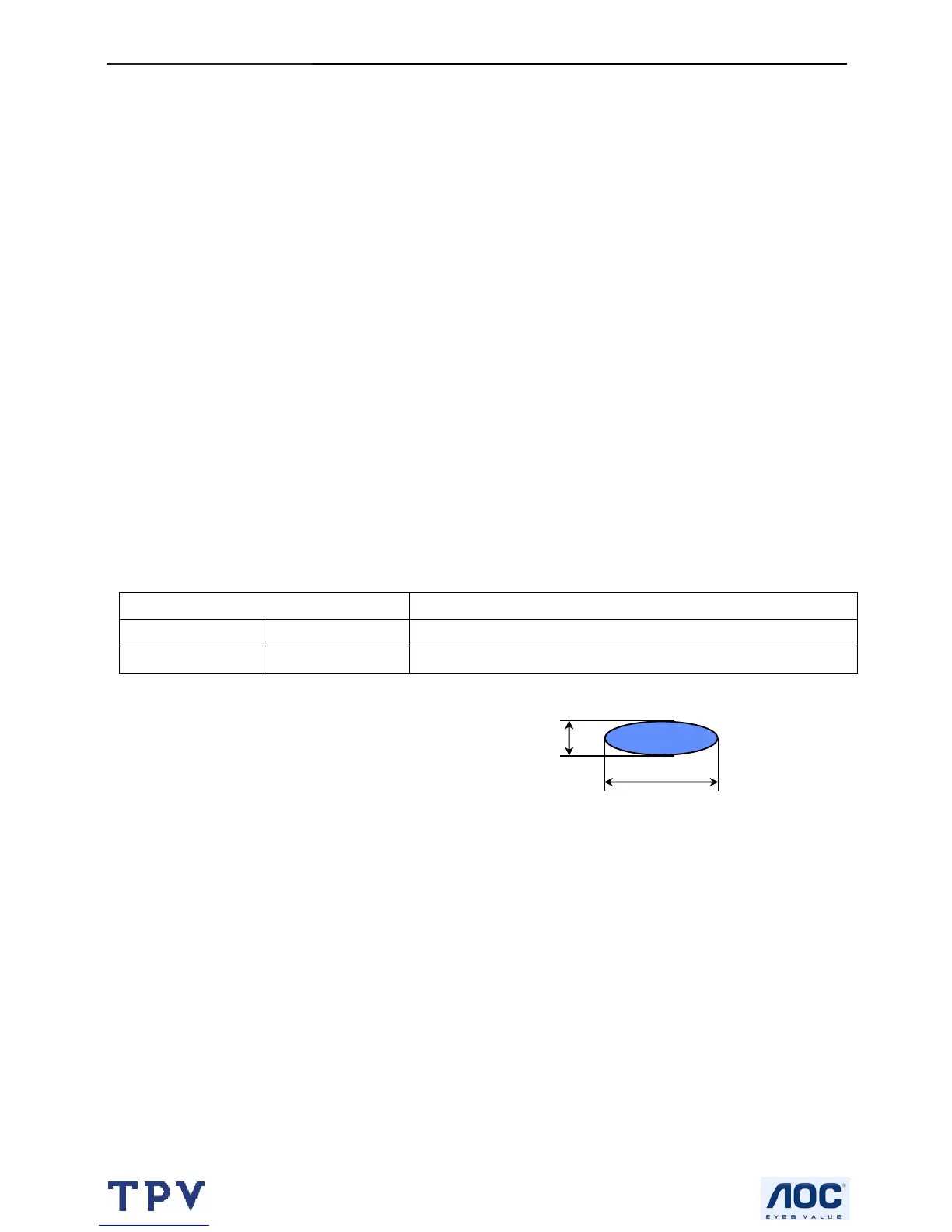
D : Average Diameter D=(a+b)/2
W : Width
L : Length
N : Quantity
Linear : a>2b
Circular : a<2b
a
b



 To Next Page