20" LCD Color Monitor Dell E207WFP
39
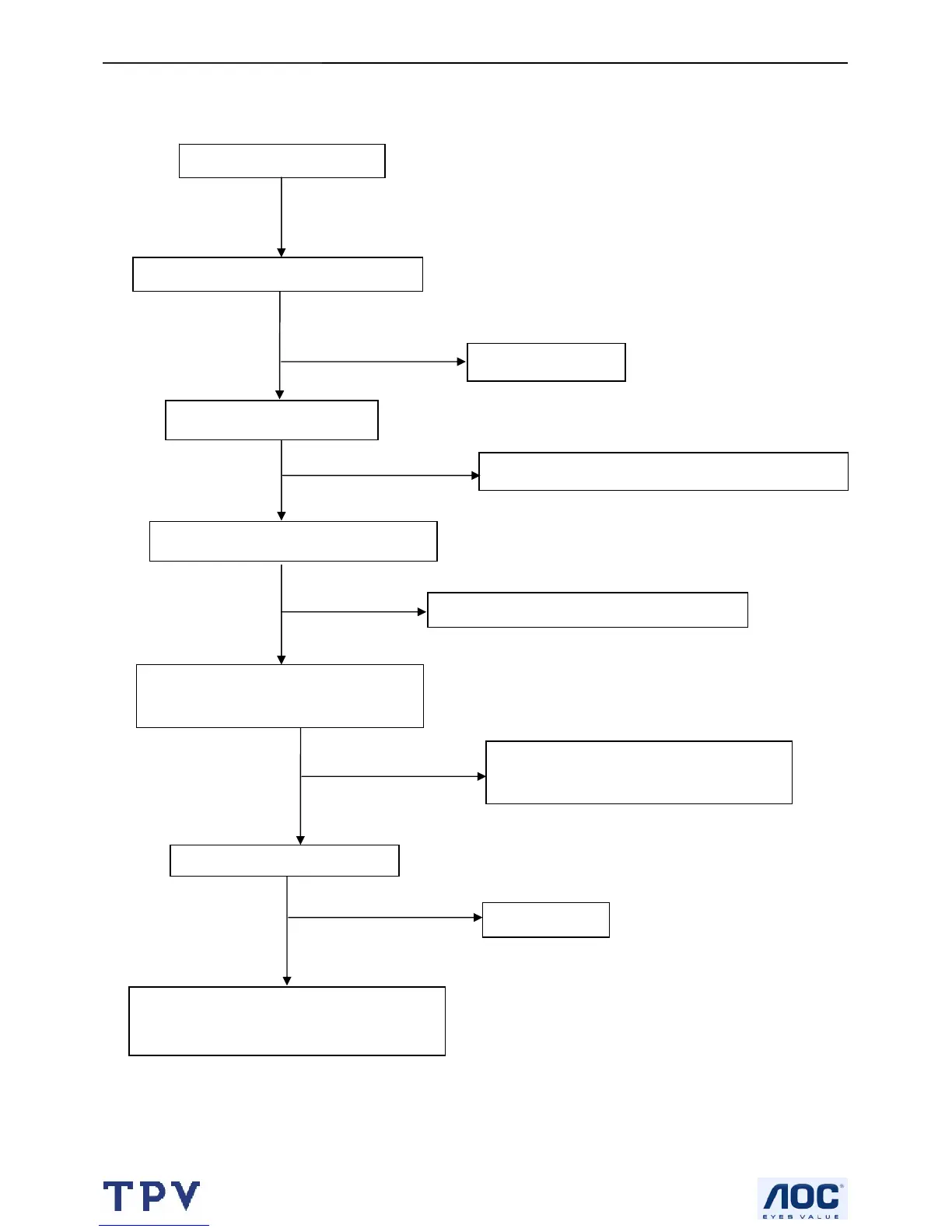
8.2.2 Power/Inverter Board
No power
Check bridge rectified circuit and F901 circut
1) Check IC901
2) Check IC903, D901, C906…OVP circuit
Check CN902 pin3, 4 = 13V
Check the voltage of C903(+)
Check start voltage for the pin3 of IC901
Check R9039,R904,R905 and Change IC901
NG
Check the auxiliary voltage is bigger than
10V and smaller than 20V
NG
NG
NG
Check Q900, R916, T901, D920, D921,
IC921,IC902, L921, L922, ZD922, ZD921
Check IC901



 To Next Page