20" LCD Color Monitor Dell E207WFP
45
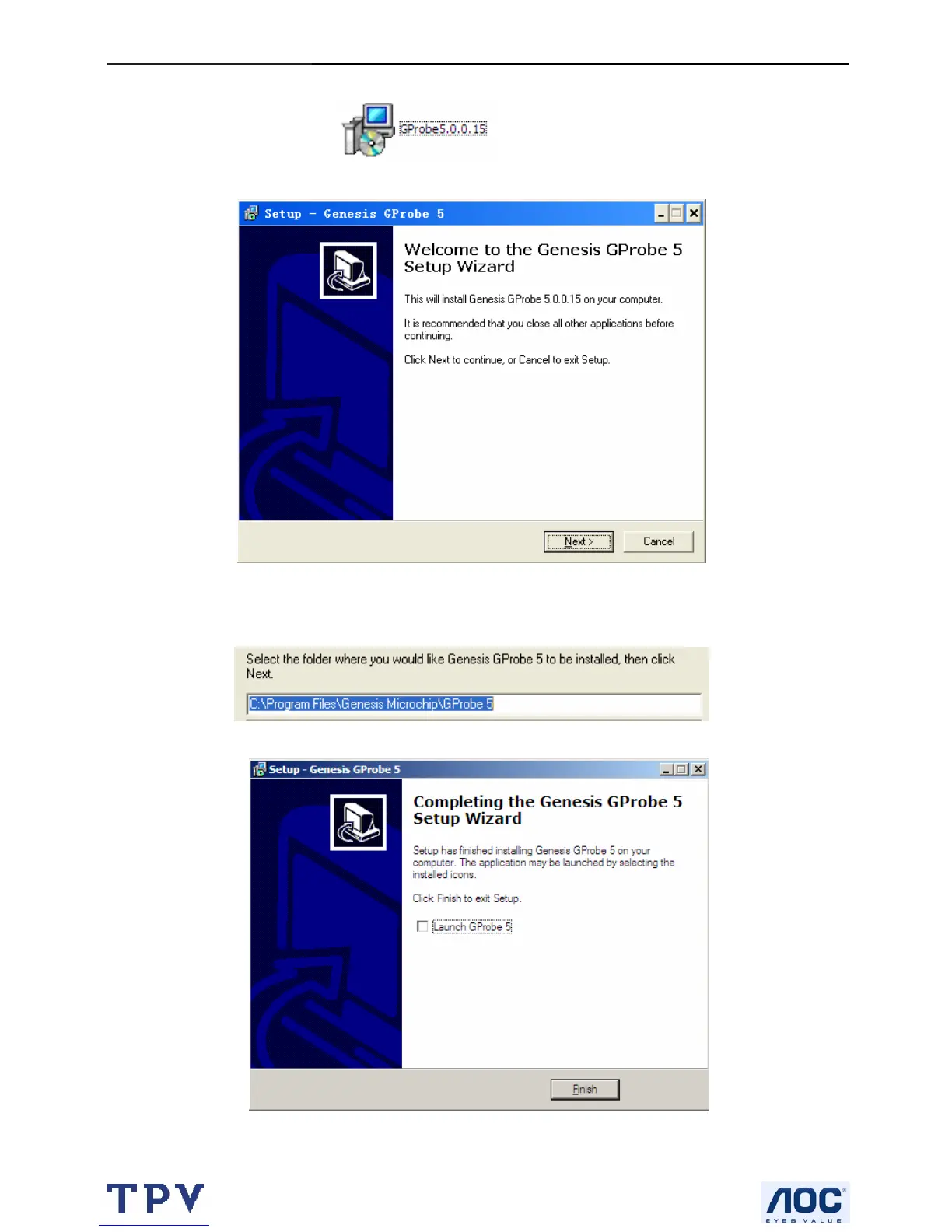
10.2 Install the software (Gprobe 5.0) for ISP Writer
A. Double-click the Install software
Select the folder where you would like Genesis Gprobe 5 to be installed
Completing the Genesis Gprobe 5 setup wizard
Note: After finishing the installation, you must restart the PC.



 To Next Page