20" LCD Color Monitor Dell E207WFP
47
10.3 Run program
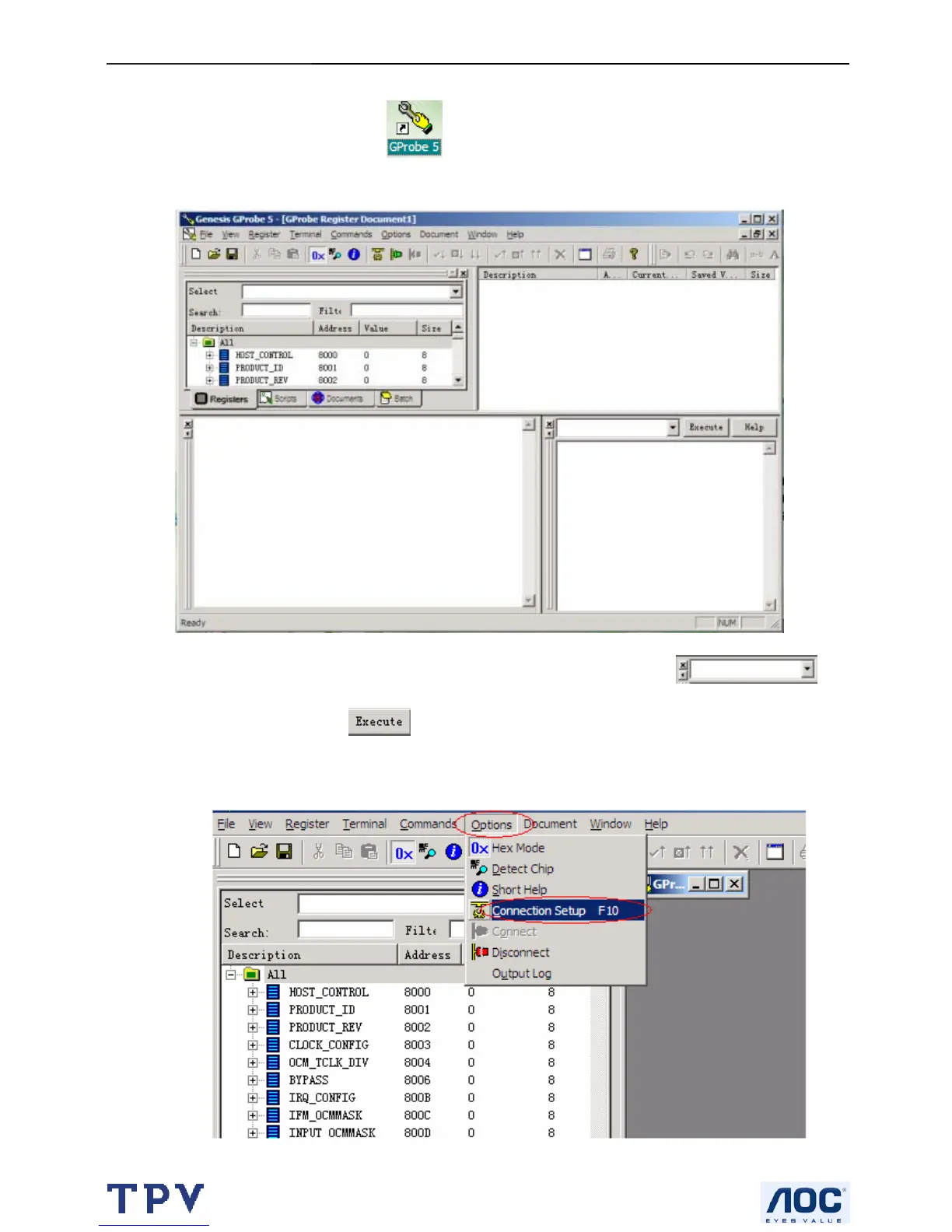
After the installation, a short-cut icon will appear on your desktop, double click it will run the
program.
Note: Firstly, you can check the I²C normal or not by inputting the “test” in the position
,
where to load MCU software. Click
, if you can see “test pass” in the blank, the I²C is OK!
(1). Select Options → Connection Setup F10:
Set the Connection Settings → Connection → Device to Parallel, click OK!



 To Next Page