Back to Contents Page
Operating the Monitor
Dell™E1910/E2210 Flat Panel Monitor User's Guide
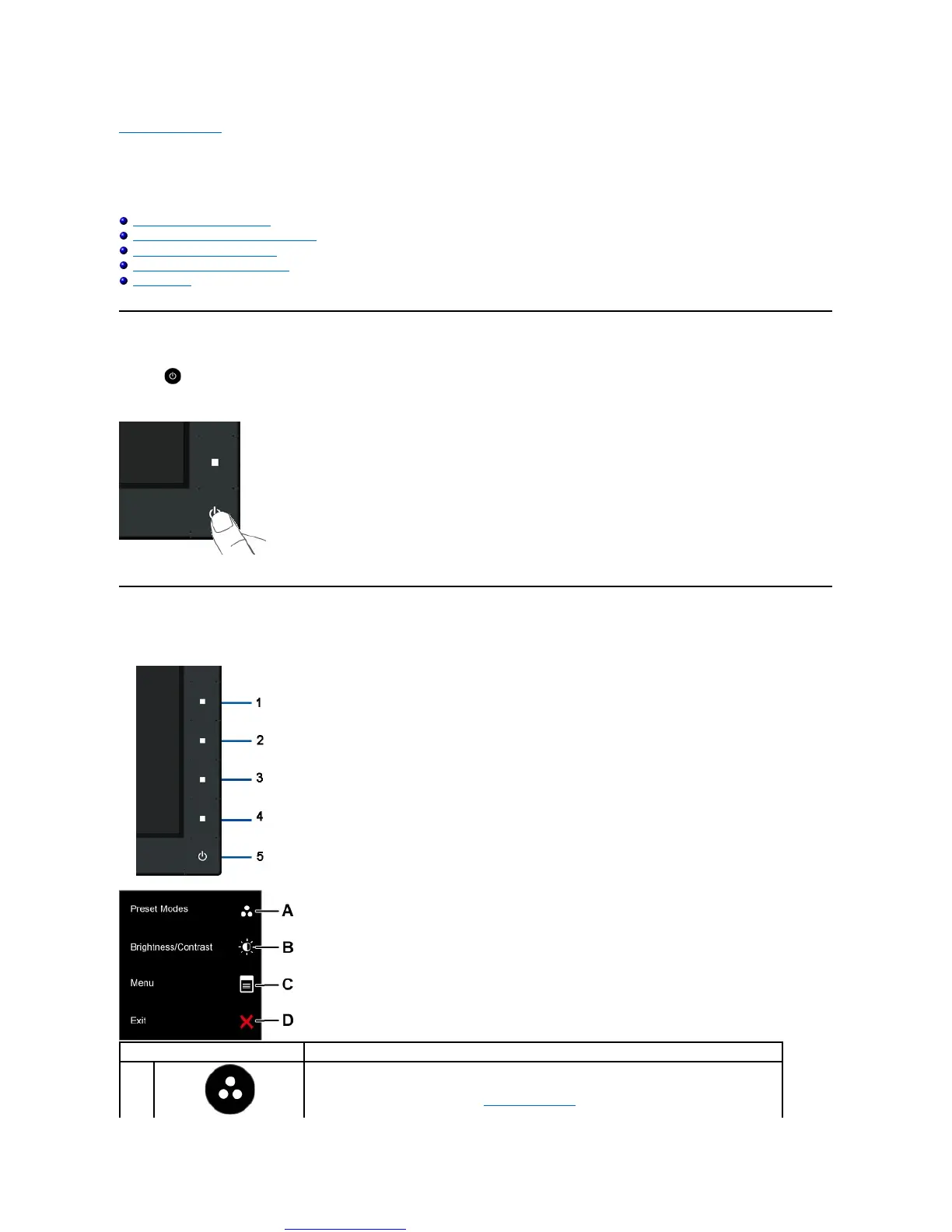
Using the Front Panel Controls
Using the On-Screen Display (OSD) Menu
Setting the Maximum Resolution
Using the Dell Soundbar (Optional)
Using the Tilt
Power On the Monitor
Press the button to turn on the monitor
Using the Front Panel Controls
Usethekeysonthefrontofthemonitortoadjusttheimagesettings.
Use this button to directly access the Shortcut Key 1 (Default: Preset Modes) menu or to increase the
value of the selected menu option. See Using the OSD Menu.



 To Next Page