Great user manuals database on UserManuals.info
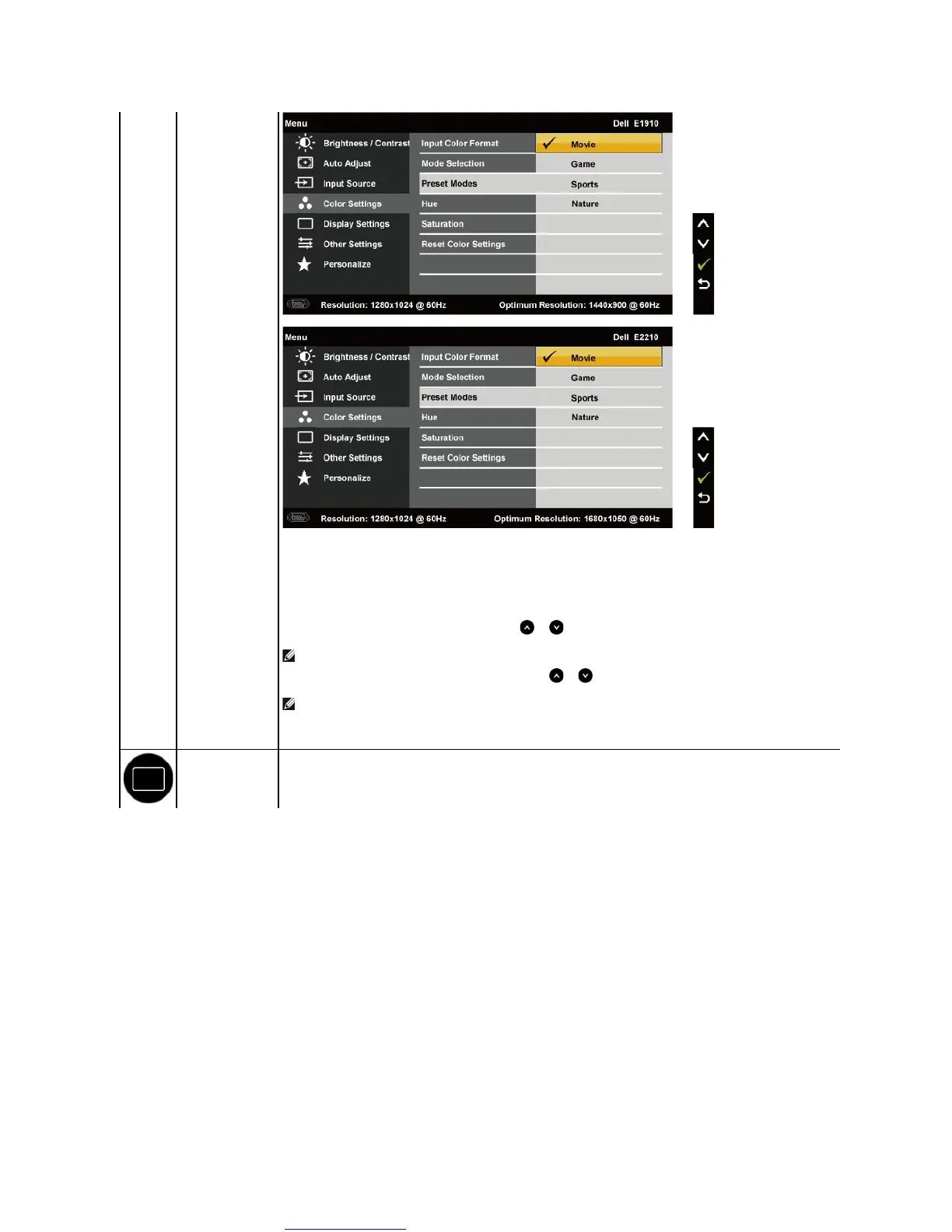
l Movie: Loads color settings ideal for movies. This is the default preset mode.
l Game: Loads color settings ideal for most gaming applications.
l Sports: Loads color settings ideal for sports.
l Nature: Loads color settings ideal for nature.
Allows you to adjust the skin tone of the image. Use or to adjust the hue from '0' to '100'.
NOTE: Hue adjustment is available only in the Video mode.
Allows you to adjust the color saturation of the image. Use or to adjust the saturation from '0' to '100'.
NOTE: Saturation adjustment is available only in the Video mode.
Resets your monitor's color settings to the factory defaults.
Use the Displays Settings menu to adjust the monitor's display settings.



 To Next Page