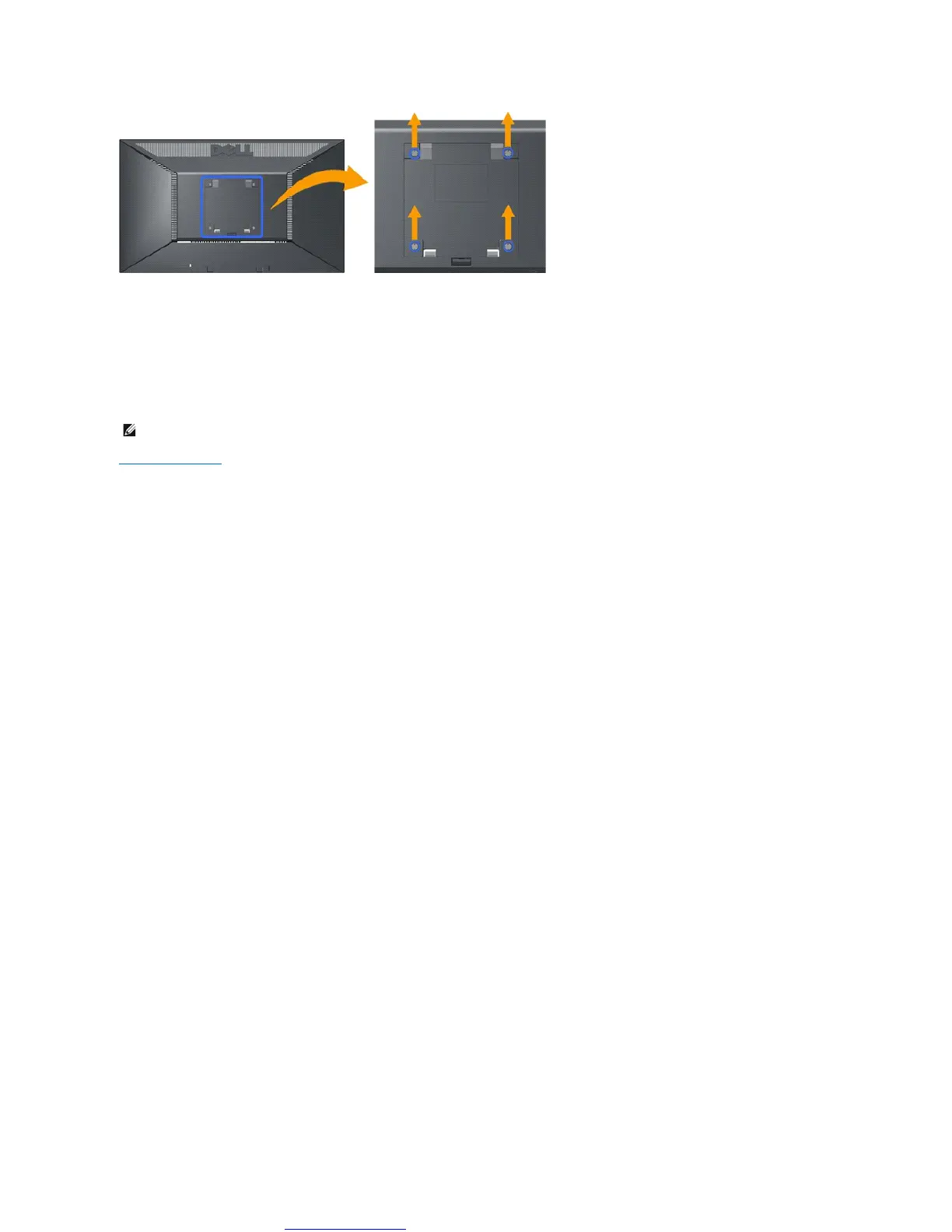
(Screw dimension: M4 x 10mm).
Refer to the instructions that come with the base mounting kit. To convert your LCD display from a desk-mounted to a wall-mounted display, do the following:
1. Verify that the power button is turned Off, then disconnect the power cord.
2. Lay the LCD display face down on a soft cloth.
3. Remove the stand assembly from the back of the LCD display by pressing quick release button.
4. Attach the mounting bracket from the VESA compatible wall mounting kit (100 mm x 100 mm distance).
5. Attach the LCD display to the wall, following the instructions in the wall-mounting kit.
Back to Contents Page



 To Next Page