About your monitor │ 9
Product features
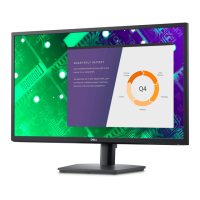
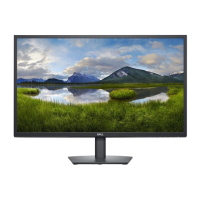
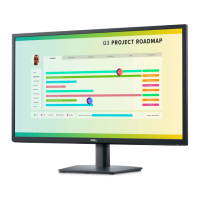
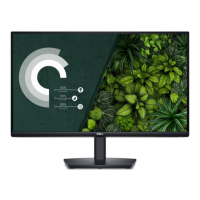
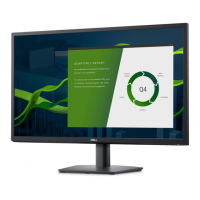
The Dell E2722H/E2722HS monitor has an active matrix, Thin-Film Transistor
(TFT), Liquid Crystal Display (LCD) Panel with LED backlight. The monitor features
include:
• 68.60 cm (27.0 in.) viewable area display (measured diagonally).
• Wide viewing angles of 178 degrees in vertical and horizontal directions.
• Static contrast ratio (1,000:1).
• Height adjustment capability for E2722HS.
• Dual built-in speakers for E2722HS.
• 1920 x 1080 resolution, with full-screen support for lower resolutions.
• Easy and simple connectivity with legacy and new systems via HDMI or
DisplayPort.
• Plug and play capability if supported by your computer.
• On-Screen Display (OSD) adjustments for ease of setup and screen optimization.
• Removable stand and Video Electronics Standards Association (VESA™) 100 mm
mounting holes for flexible mounting solutions.
• Security-lock slot.
• ≤0.3 W in Standby Mode.
• Supports Dell Display Manager.
• Optimize eye comfort with a TÜV-certified flicker-free screen.
• TÜV-certified ComfortView feature is designed to reduce the amount of blue light
emitted from the monitor to help optimize eye comfort.
WARNING: The possible long-term effects of blue light emission from
the monitor may cause damage to the eyes, including eye fatigue, fatigue
and / or digital eye strain.
WARNING: If your power cable is attached to a three-pin plug, ensure
that it is plugged into an earthed three-pin power outlet. Do not disable the
grounding pin by, for example, attaching the plug to a two-pin adapter.
WARNING: Before connecting the monitor to the power outlet, confirm
that your power supply is equipped with a circuit breaker rated at 120/240
V, 20 A (maximum).


 To Next Page