10 │ About your monitor
Identifying parts and controls
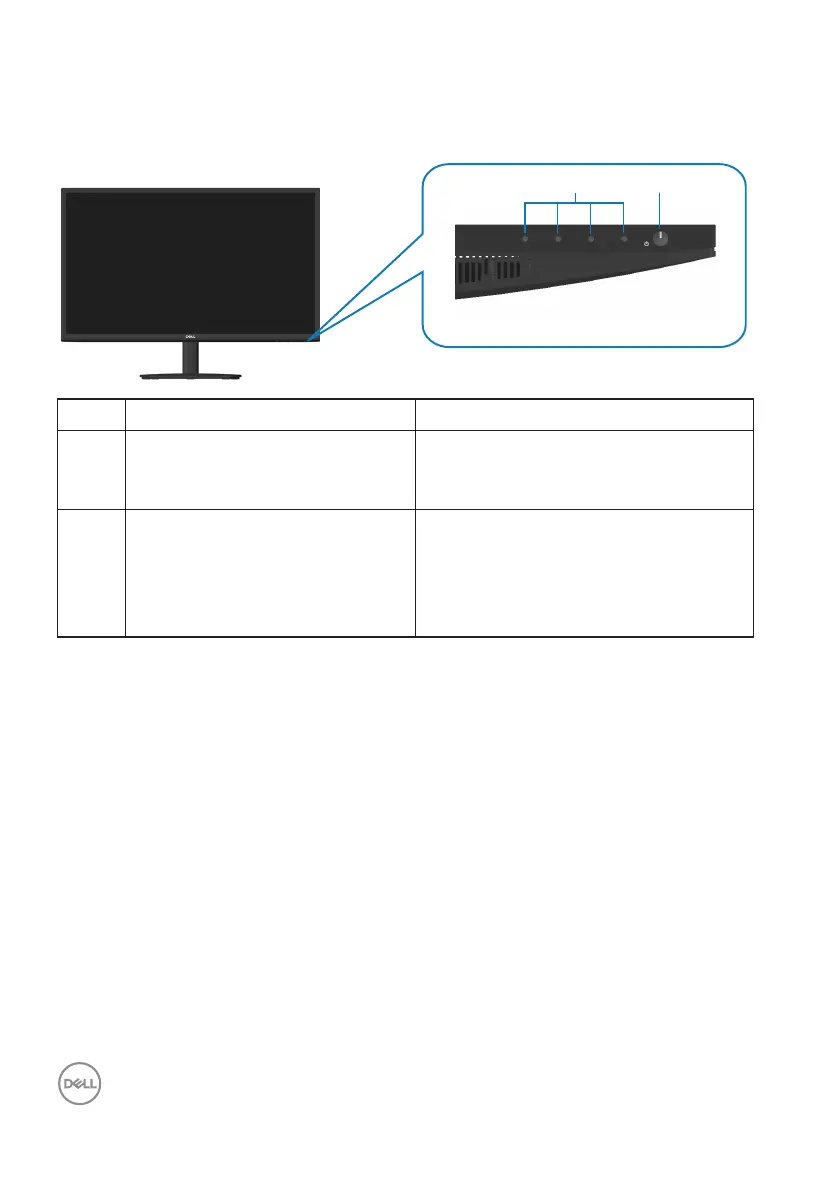
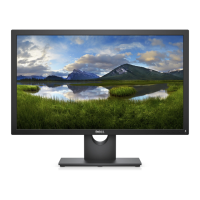
Front view
Label Description Use
1 Function buttons To access the on-screen display (OSD)
menu. (For more information, see
Using the control buttons)
2 Power On/Off button
(with LED indicator)
To turn the monitor on or off.
Solid white light indicates that the
monitor is turned on and functioning
normally. Blinking white light indicates
that the monitor is in Standby Mode.



 To Next Page