Operating your monitor │ 43
Icon Menu and
Submenus
Description
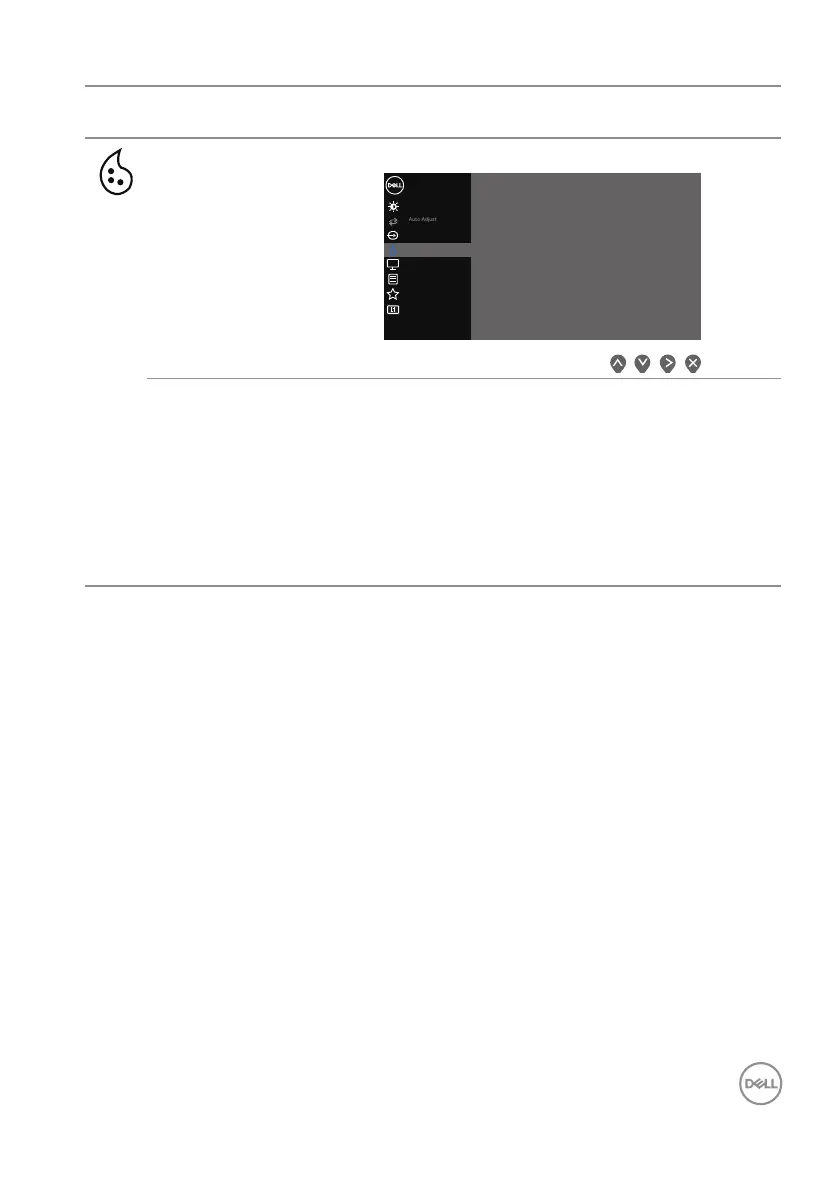
Color Use color to adjust the color setting mode.
Others
Personalize
Menu
Color
Display
B
rightness / Contrast
Dell 27 Monitor
Preset Modes
Input Color Format
Reset Color
> Standard
> RGB
Input Source
Preset Modes When you select Preset Modes, you can choose
Standard, ComfortView, Warm, Cool, or Custom
Color from the list.
• Standard: Loads the monitor’s default color settings.
This is the default preset mode.
• ComfortView: Decreases the level of blue light
emitted from the screen to make viewing more
comfortable for your eyes.



 To Next Page