Operating your monitor │ 45
Icon Menu and
Submenus
Description
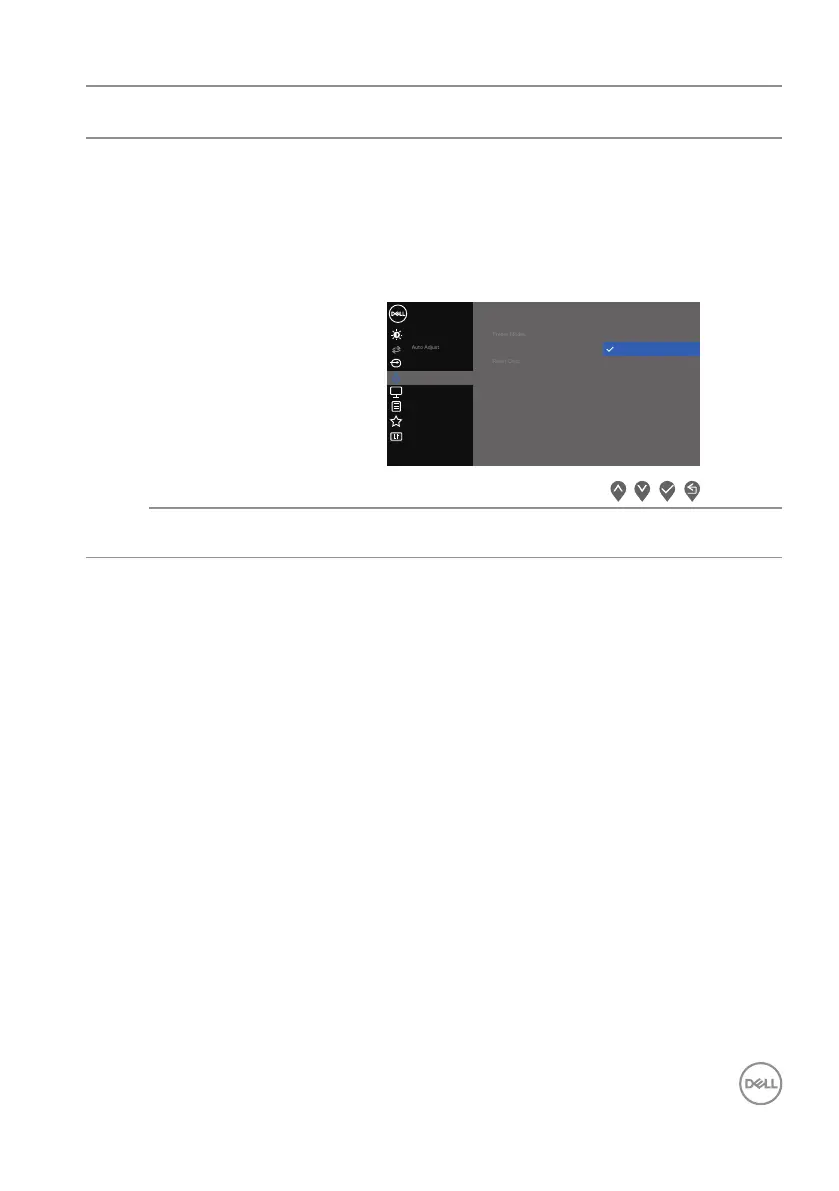
Input Color
Format
Allows you to set the video input mode to:
• RGB: Select this option if your monitor is connected
to a computer or a media player that supports RGB
output.
• YCbCr: Select this option if your media player
supports only YCbCr output.
Input Source
Others
Personalize
Menu
Color
Display
B
rightness / Contrast
Dell 27 Monitor
Input Color Format
YCbCr
RGB
Reset Color
Resets your monitor’s color settings to the factory
default.



 To Next Page