Dell EMC PowerStore Quick Start Guide Page 5 of 8
Option A
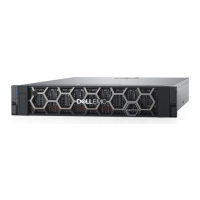
If you are using the PowerStore T Model appliance:
Cable the management interface on both nodes to a management switch or network.
Note: You will require two additional network cables to complete this step.
Note: For more detailed instructions on recommended networking configurations, including how to
configure PowerStore T with top-of-rack switches, see the
PowerStore Networking Guide for
PowerStore T Models
at https://dell.com/powerstoredocs. Check with your network administrator to
determine which ports on your switches to use.
Option B
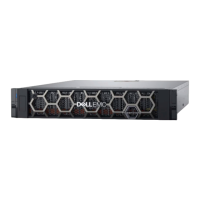
If you are using the PowerStore X Model appliance:
Using the supplied cables:
Connect the network cables on node A:
a. Port 0 of the embedded module connects to switch 1.
b. Port 1 of the embedded module connects to switch 2.
Connect the network cables on node B:
a. Port 0 of the embedded module connects to switch 2.
b. Port 1 of the embedded module connects to switch 1.
Note: These instructions show a minimum cabling configuration. For more detailed instructions on
recommended networking configurations, see the
PowerStore Networking Guide for PowerStore X Models
at https://dell.com/powerstoredocs. Check with your network administrator to determine which ports on
your switches to use.




 To Next Page