Hardware Owner's Manual 2 Maintaining Drives
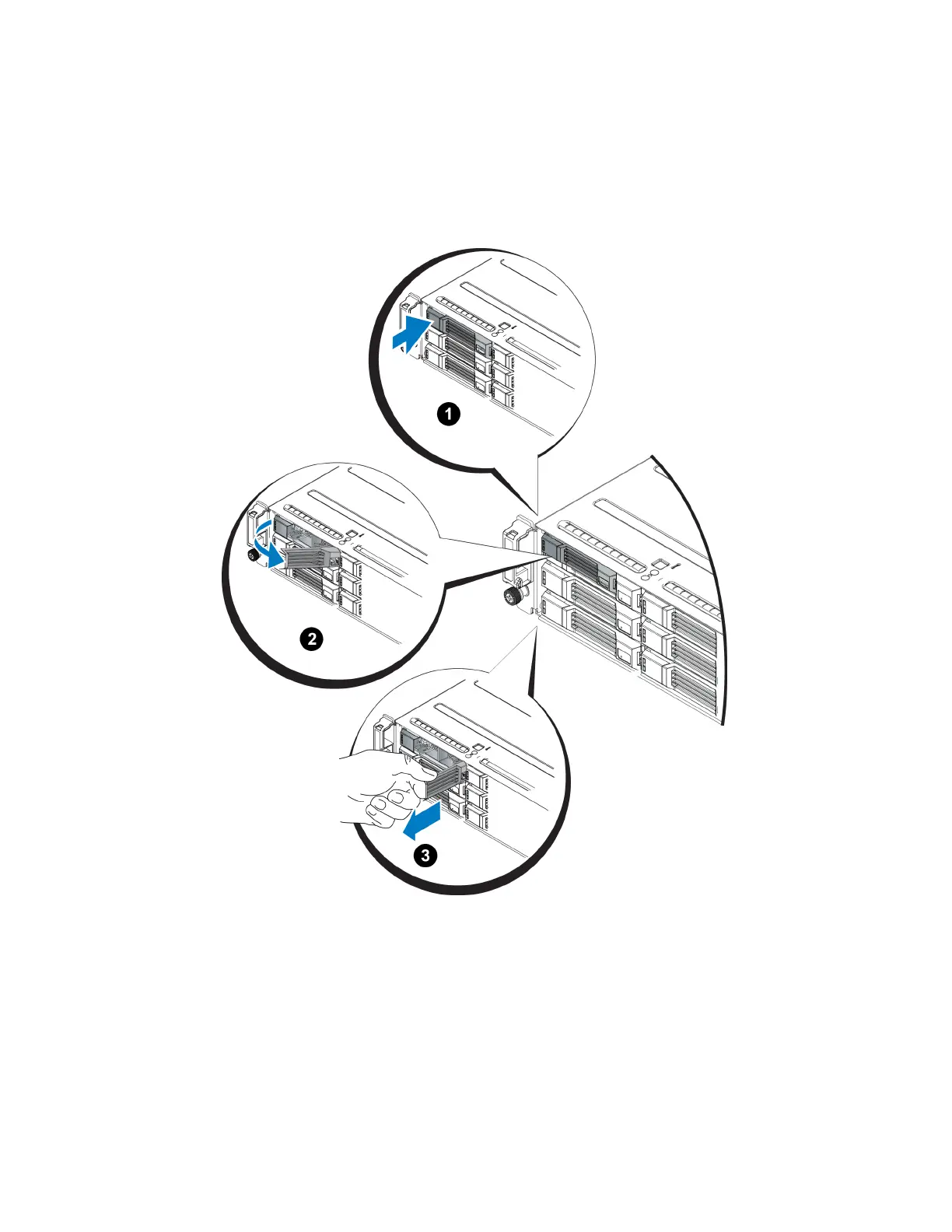
2. Press the release button (callout 1 in Figure 10). The drive latch opens and the drive emerges partway from
the array (callout 2).
3. Pull the drive out by the handle until it is free of the drive bay (callout 3).
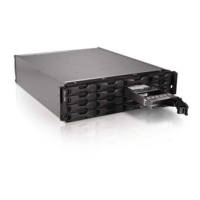
Figure 10: Removing a 3.5-Inch Drive
Installing a 3.5-inch Drive
The 3.5-inch drives are installed horizontally, with the drive release latch to the left and the drive label to the
right.
1. Wear electrostatic protection when handling a drive. See "Protecting Hardware " on page 2.
2. Open the drive release latch.
13




 To Next Page