EasyManua.ls Logo

Dell G15 5535 - User Manual

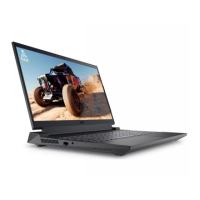
Dell G15 5535
107 pages
Print Icon
To Next Page IconTo Next Page
Loading...
Dell G15 5535
Owner's Manual
Regulatory Model: P121F
Regulatory Type: P121F002
July 2023
Rev. A00

Table of Contents

Questions and Answers

  • H
    Heather WilliamsJul 28, 2025
    What to do if Dell G15 5535 Laptop battery is swollen?
    • J
      Jonathon RyanJul 28, 2025
      If you notice that your Dell Laptop battery is swollen, immediately discontinue using the laptop. Discharge the battery by disconnecting the AC adapter and allowing it to fully drain. Swollen batteries should not be used and must be replaced and properly disposed of.

Dell G15 5535 Specifications

General IconGeneral
Graphics MemoryUp to 8GB GDDR6
Display Resolution1920 x 1080
Display Refresh RateUp to 165Hz
Operating SystemWindows 11 Home
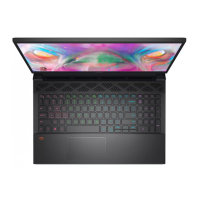
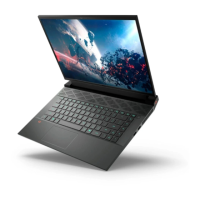
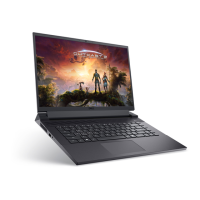
ColorDark Shadow Grey
Display Size15.6 inch
Display Features165Hz, ComfortView Plus, NVIDIA G-SYNC
RAM16 GB DDR5 4800 MHz
StorageM.2, PCIe NVMe, SSD
Battery6 Cell, 86 Wh, integrated
PortsUSB Type-C, USB 3.2, HDMI, RJ-45
WirelessWi-Fi 6, Bluetooth 5.2
Dimensions (W x D x H)357 x 272 x 23.1 mm
Weight2.65 kg

Related product manuals