EasyManua.ls Logo

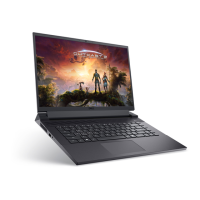
Dell G16 7620 - User Manual

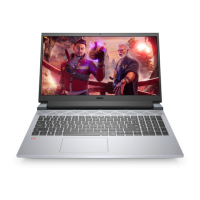
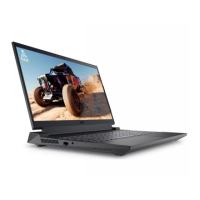
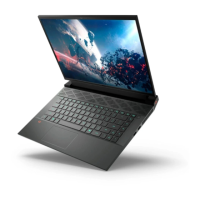
Dell G16 7620
79 pages
Print Icon
To Next Page IconTo Next Page
Loading...
Dell G16 7620
Service Manual
Regulatory Model: P105F
Regulatory Type: P105F012/P105F011
June 2022
Rev. A00

Table of Contents

Questions and Answers

  • J
    John HarrisonJul 28, 2025
    What to do if Dell G16 7620 Laptop battery is swollen?
    • L
      Lindsey CunninghamJul 28, 2025
      If your Dell Laptop's battery is swollen, immediately discontinue using the laptop. Discharge the battery by disconnecting the AC adapter and allowing the battery to drain completely. Replace and properly dispose of the swollen battery. Contact Dell product support to explore options for replacing the swollen battery under warranty.
  • M
    Matthew GillAug 11, 2025
    What to do if Dell G16 7620 battery gets stuck due to swelling?
    • D
      David HowardAug 11, 2025
      If the battery gets stuck due to swelling, do not try to free it. Puncturing, bending, or crushing a battery can be dangerous.

Dell G16 7620 Specifications

General IconGeneral
Processor12th Gen Intel Core i7-12700H
GraphicsNVIDIA GeForce RTX 3060
Display16-inch QHD+ (2560 x 1600) 165Hz
Storage512GB PCIe NVMe SSD
Operating SystemWindows 11 Home
Battery6-cell, 86Wh
Ports1 x HDMI 2.1, 1 x RJ-45
WirelessWi-Fi 6, Bluetooth 5.2
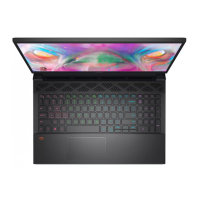
KeyboardBacklit Keyboard
RAM16GB DDR5

Related product manuals