36 │ Operating your monitor
Joystick Description
Joystick Description
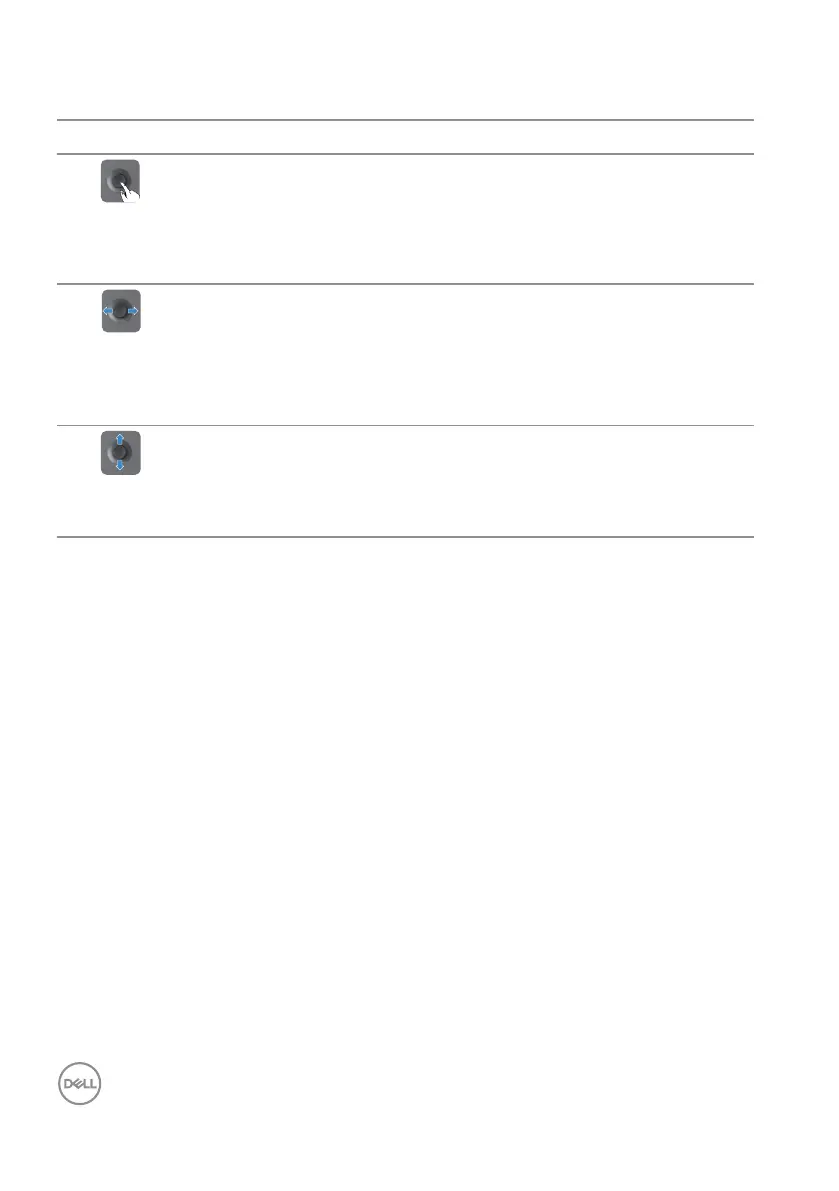
∞ When the OSD menu is on, press the button to confirm the
selection or save the settings.
∞ When the OSD menu is off, press the button to launch the OSD
main menu. For more information, see Accessing the menu
system.
∞ For two-way (right and left) directional navigation.
∞ Move right to enter the submenu.
∞ Move left to exit from the submenu.
∞ Increases (right) or decreases (left) the parameters of selected
menu item.
∞ For two-way (up and down) directional navigation.
∞ Switches between the menu items.
∞ Increases (up) or decreases (down) the parameters of selected
menu item.



 To Next Page