Operating your monitor │ 51
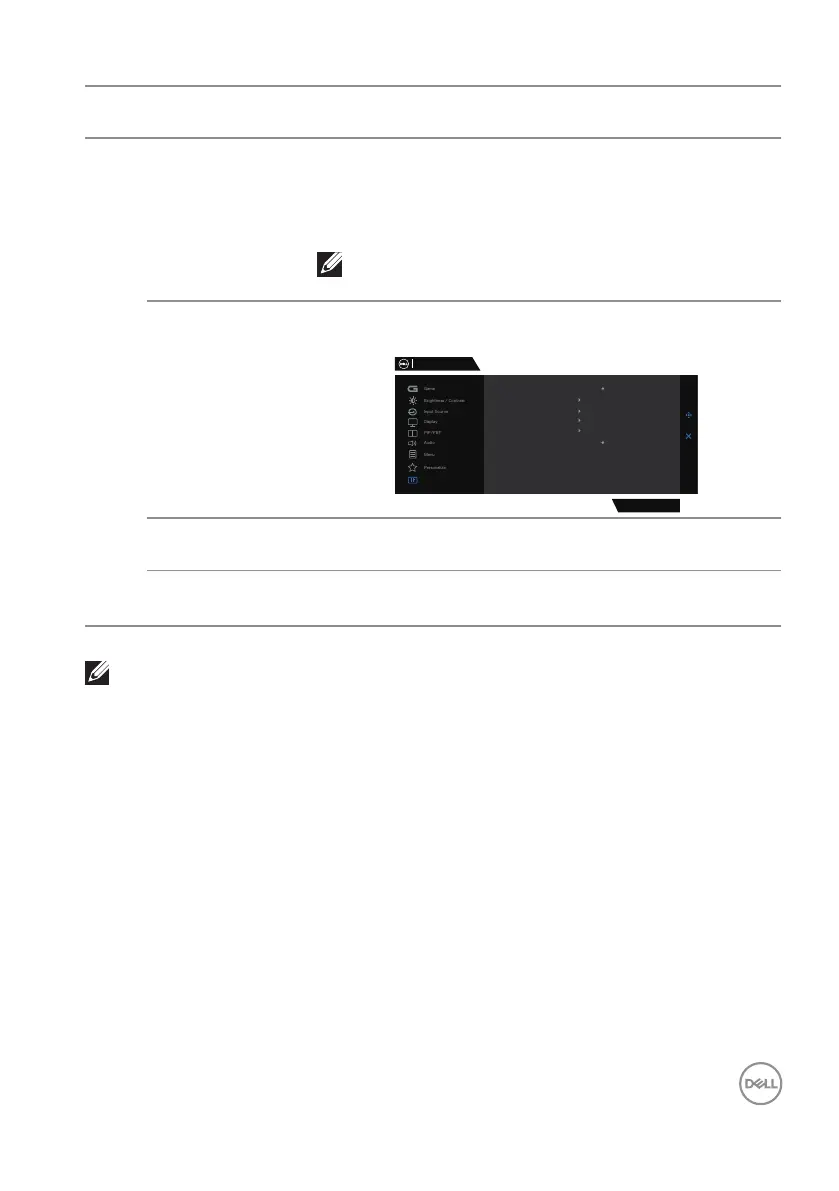
Icon Menu and
submenus
Description
Service Tag Displays the service tag number of the display. The
Service Tag is a unique alpha numeric identifier that
enables Dell to identify the product specifications and
access warranty information.
NOTE: The Service Tag is also printed on a
label at the back of the cover.
Self-Diagnostic Enables you to check if your monitor is functioning
properly.
Dell 32 Gaming Monitor
Others
G3223D
Display Info
DDC/CI
LCD Conditioning
Firmware
Service Tag
Self-Diagnostic
Reset Others
Factory Reset
Select
Select
6C70WBU
33C111
O
On
Reset Others Resets all settings under the others setting menu to
the factory preset values.
Factory Reset Restores all preset values to the factory default
settings.
NOTE: Your monitor has a built-in feature to automatically calibrate
the brightness to compensate for LED aging.



 To Next Page