Operating your monitor │ 61
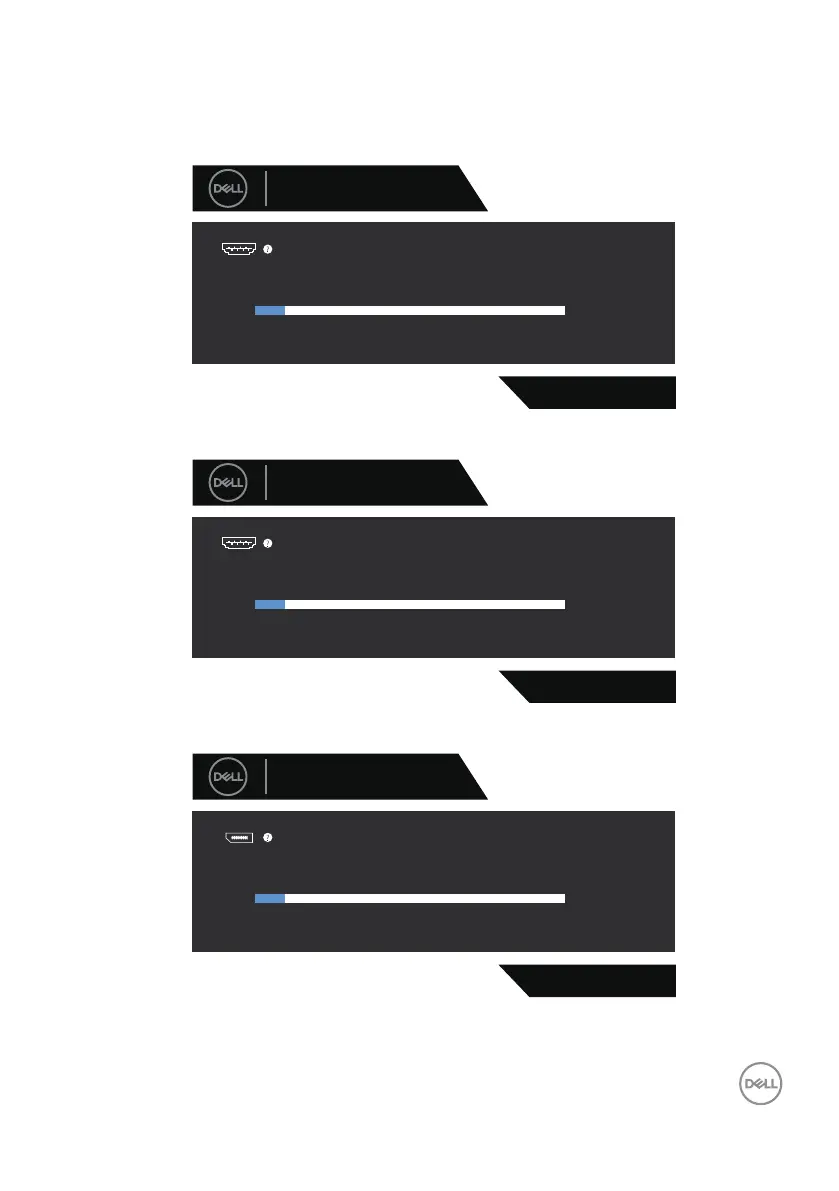
If an HDMI or DisplayPort or USB-C cable is not connected, the following dialog
box appears. The monitor enters Standby Mode after four minutes if left at this
state.
G3223D
The display will go into Standby Mode in 4 minutes.
www.dell.com/G3223D
No HDMI 1 Cable
Dell 32 Gaming Monitor
1
or
G3223D
N o HDMI 2 C able
Dell 32 Gaming Monitor
2
The display will go into Standby Mode in 4 minutes.
www.dell.com/G3223D
or
G3223D
No DP Cable
Dell 32 Gaming Monitor
The display will go into Standby Mode in 4 minutes.
www.dell.com/G3223D
or



 To Next Page