Need help?
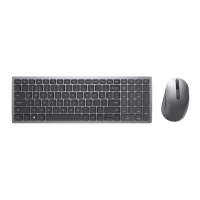
Do you have a question about the Dell KB740 and is the answer not in the manual?
Connects the keyboard to a computer using the included USB receiver for wireless pairing.
Steps to pair the keyboard with a Bluetooth-enabled computer for wireless connectivity.
Instructions for connecting a third device to the keyboard via Bluetooth pairing.
Details limited warranty and return policies for Dell-branded products.
 General
| Device Type | Keyboard |
|---|---|
| Connectivity Technology | Wireless |
| Keyboard Layout | QWERTY |
| Numeric Keypad | Yes |
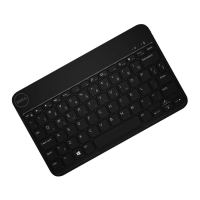
| Color | Black |
| Weight | 1.98 lbs |
| Number of Keys | 104 |
| Wireless Receiver | USB |
| Localization | English |
| OS Required | Microsoft Windows |
| Interface | USB |
| Cable Length | NA |
| Dimensions | 18.5 x 7.5 x 1.5 inches |
| Dimensions (WxDxH) | 43.33 cm x 12.15 cm x 2.53 cm |


 To Next Page