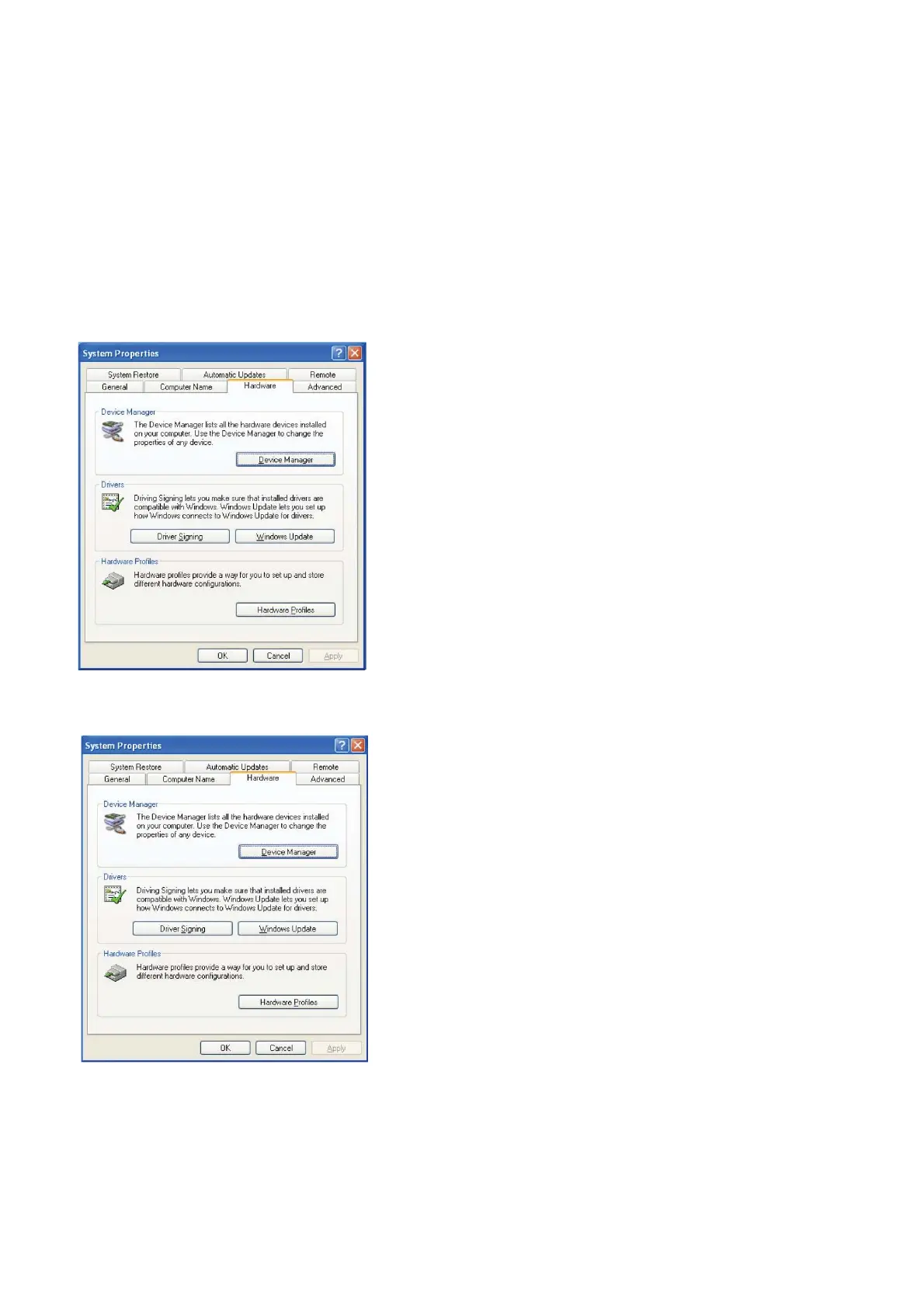
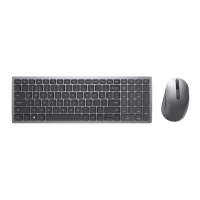
Update the Windows XP driver
3. Double click System. The following window will be shown:
4. Select Hardware. The following screen displays:
Back to Contents Page
Install the Keyboard | Install the Windows XP driver | Install the Vista driver
Install the Windows 7 driver | Install the Windows 8 driver
Install the Windows 10 driver
Update the Windows XP driver | Update the Vista driver
Update the Windows 7 driver | Update the Windows 8 driver
Update the Windows 10 driver



 To Next Page