Update the Windows XP driver
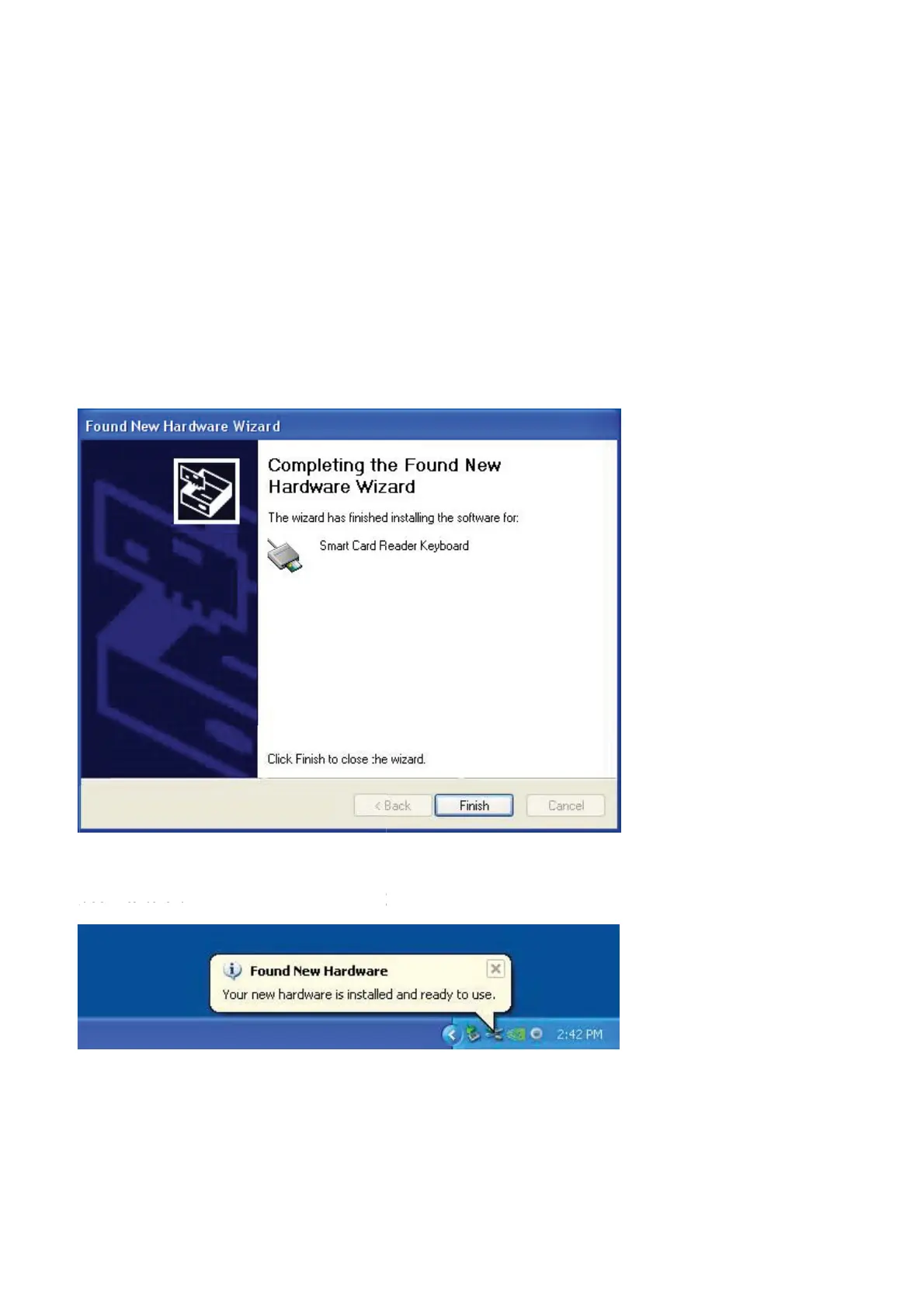
9. Select Next. The wizard will install the driver. After a
successful installation, the system will prompt you with the
following message:
10 .Select Finish. Your device is ready to use.
10 ce is ready to use. y.Select Finish. Your devic
Back to Contents Page
Install the Keyboard | Install the Windows XP driver | Install the Vista driver
Install the Windows 7 driver | Install the Windows 8 driver
Install the Windows 10 driver
Update the Windows XP driver | Update the Vista driver
Update the Windows 7 driver | Update the Windows 8 driver
Update the Windows 10 driver



 To Next Page