Diagnostic and Troubleshooting
If the smart card reader and smart card have Passed, this
means the software and hardware are both working properly.
Failed means the smart card driver or the hardware is not
present or is not installed correctly. If this occurs, go to
www.dell.com/support to resolve this problem.
Smart Card Present: (when is
selected from the screen above)
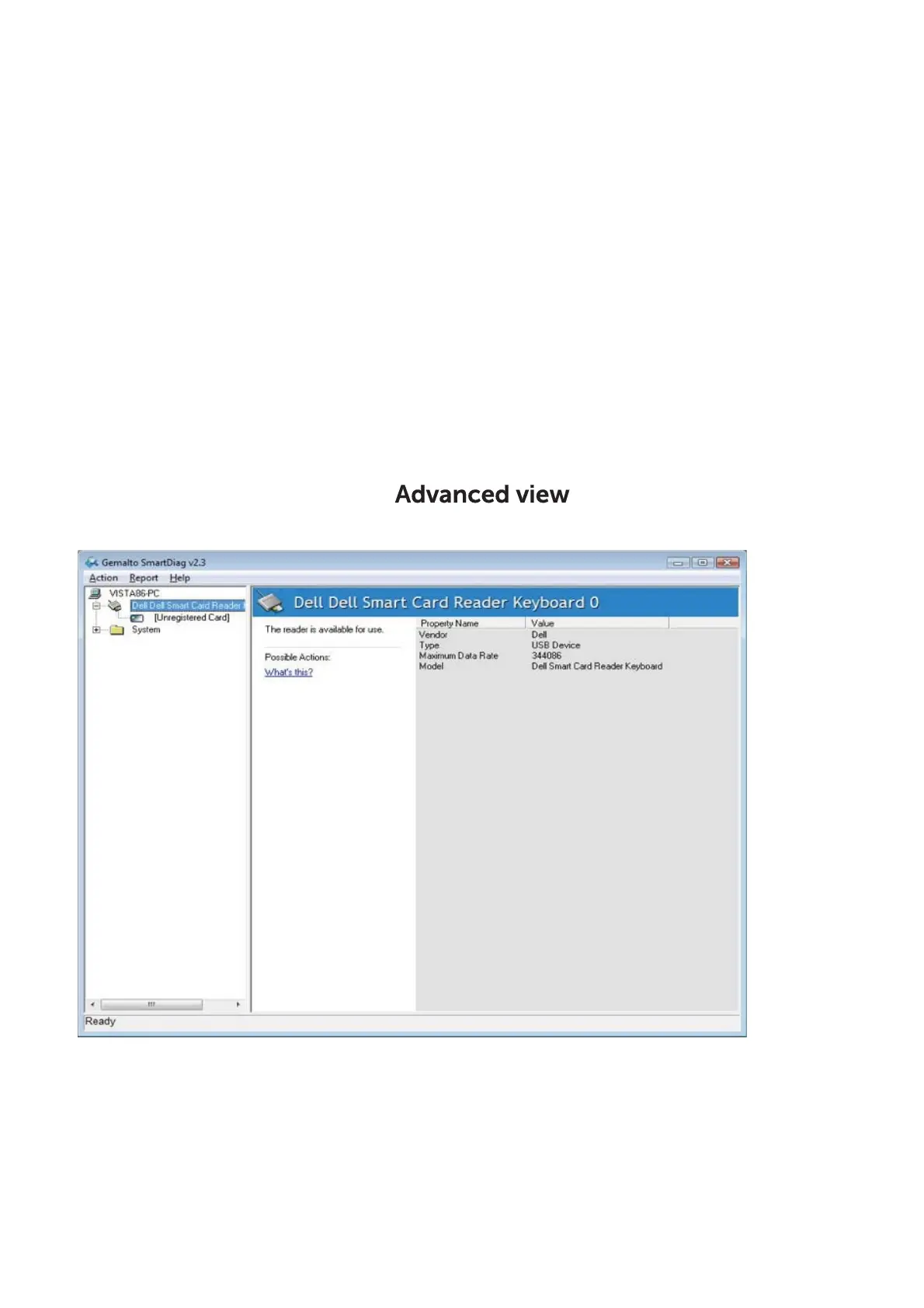
The above screen shows that the smart card is inserted and
the system is able to read the smart card.
Diagnostics | Troubleshooting
Back to Contents Page



 To Next Page