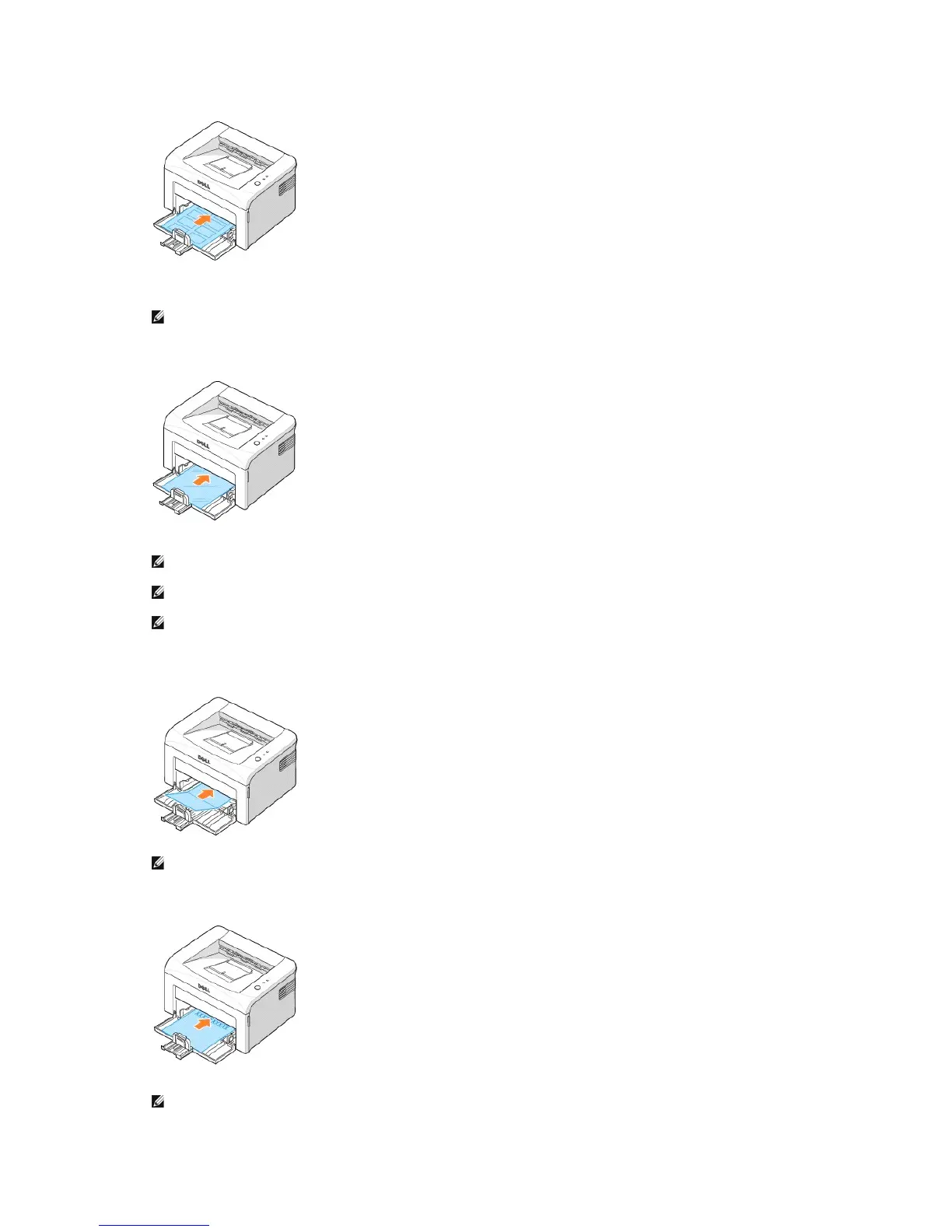
l Load a transparency in the tray with the side to be printed on facing up, and the top with the adhesive strip inserted first.
l Load a sheet of card stock with the side to be printed on facing up, short edge first, from the center of the tray.
l Load a letterhead in the tray with the design face up, top edge toward the printer.
NOTE: To prevent labels from sticking to each other, do not let the printed label sheets stack up as they are printed out.
NOTE: To prevent transparencies from sticking to each other, do not let the printed sheets stack up as they are printed out.
NOTE: Place transparencies on a flat surface after removing them from the printer.
NOTE: Do not use transparencies that are separating from the backing sheet.
NOTE: Do not print on media smaller than 3.0 in. (76 mm) wide or 5.0 in. (127 mm) long.
NOTE: Before you load letterhead, verify that the ink on the paper is dry. During the fusing process, wet ink can come off preprinted
paper.












 To Next Page