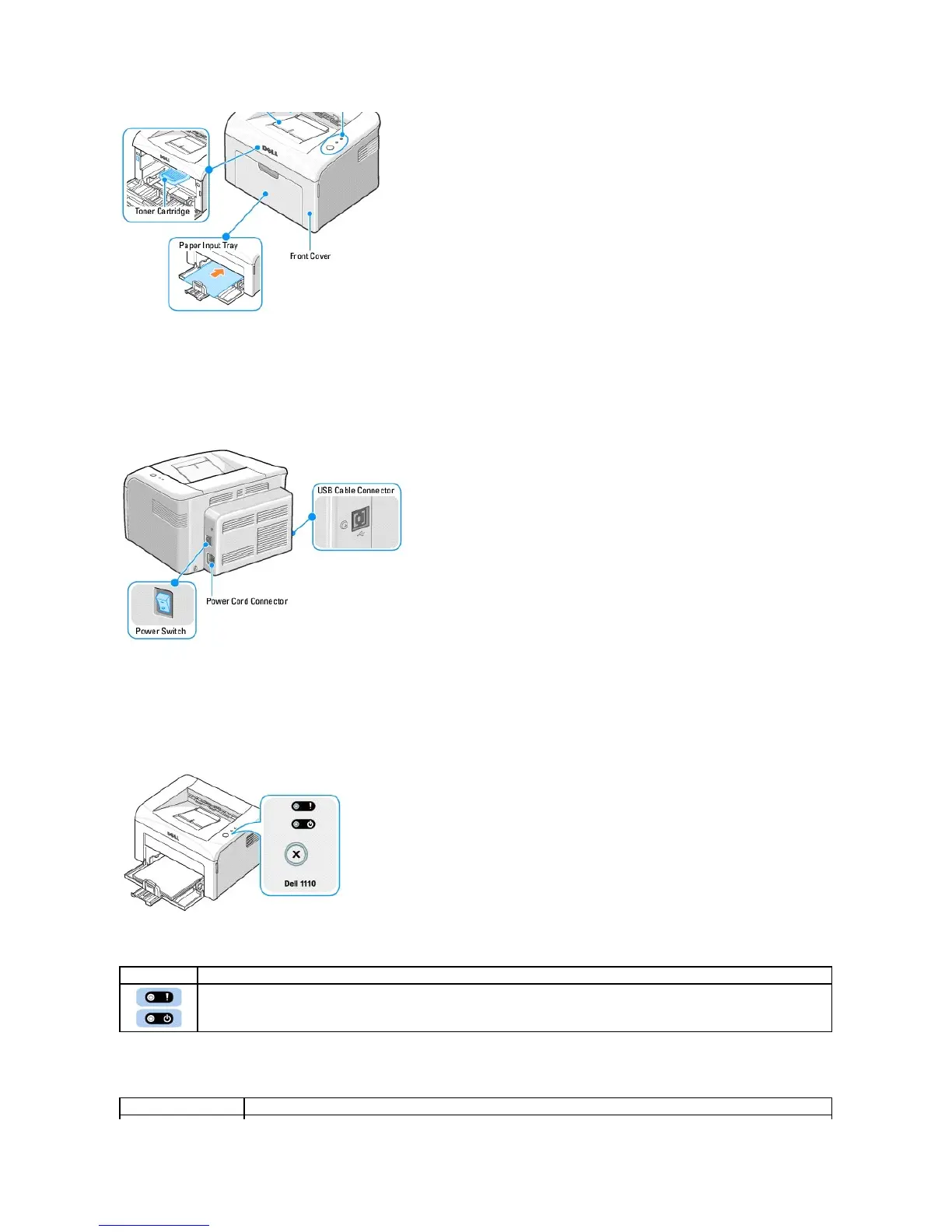
Rear View
Operator Panel Button Functions
The operator panel on the top right side of your printer has two LEDs and one button.
LEDs
Button
The operator panel LEDs signify different things, depending on their sequence. LEDs that are off, on, and/or blinking indicate printer
conditions, such as printer status, intervention (for example, out of paper and jammed paper), or service. For more information on what the
LEDs sequence means and what you can do, see "Understanding the Operator Panel LEDs".












 To Next Page