Redistributing Toner
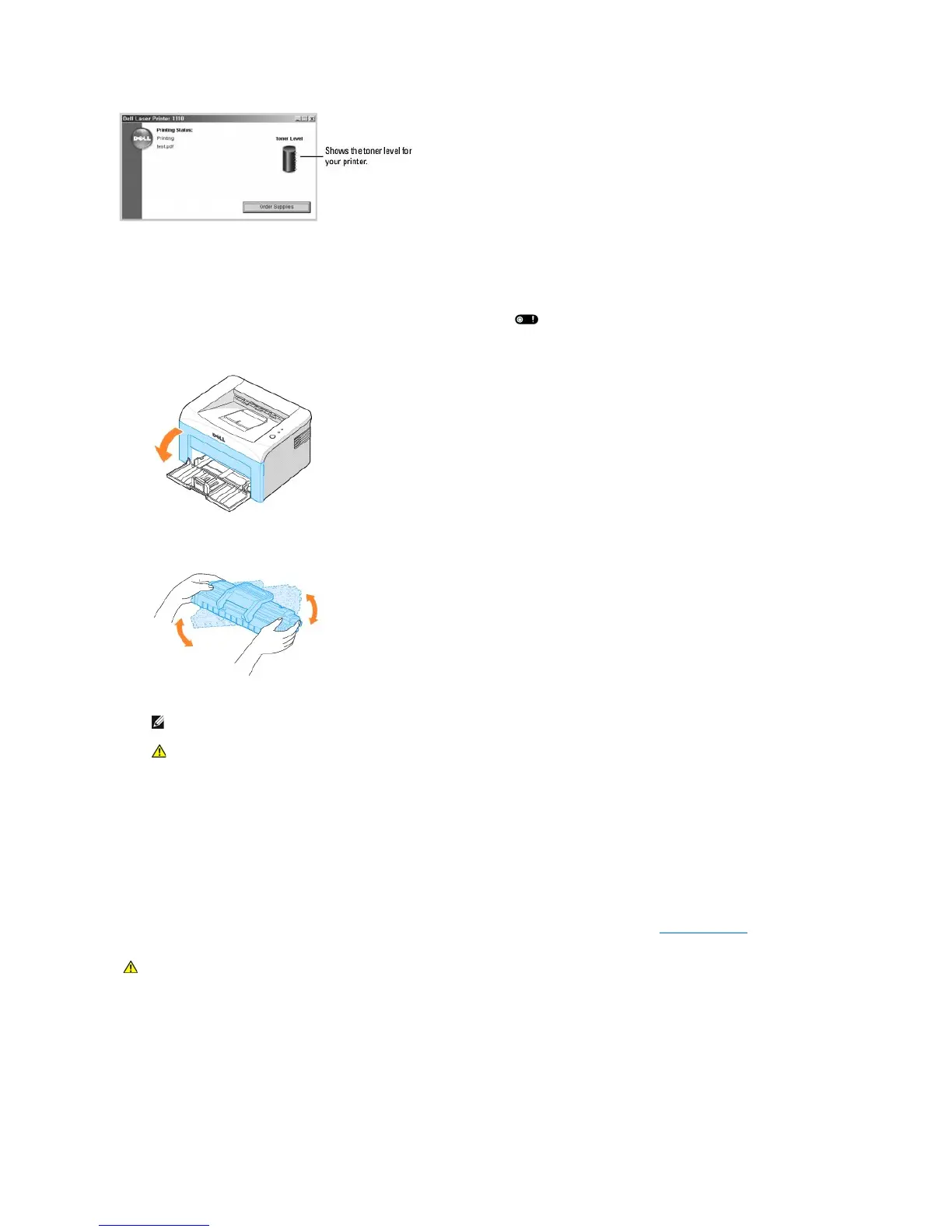
When the toner cartridge is near the end of its life, white streaks or light printing occur. on the printer's operator panel lights orange. Thoroughly shake
the toner cartridge from side-to-side 5 or 6 times to distribute the toner evenly and temporarily improve print quality.
1. Open the front cover.
2. Gently pull the toner cartridge out, being careful not to scratch against printer, and lift it up and away from the printer. Thoroughly shake the cartridge 5
or 6 times to distribute the toner evenly inside the cartridge.
3. Reinstall the cartridge and close the front cover.
Replacing the Toner Cartridge
When the toner eventually runs out, only blank pages print. At this stage, the toner cartridge needs to be replaced.
Order an extra toner cartridge so you will have it on hand when the current cartridge no longer prints satisfactorily. See "Ordering Supplies" for information on
ordering toner cartridges.
To replace the toner cartridge:
1. Open the front cover.












 To Next Page