How to set-up File Type for Multimedia with SD Card
NOTE: A SD card must be plugged into the projector if you want to
use the multimedia SD function.
Follow these steps to playback the Photo, Video, or Music files on your
projector:
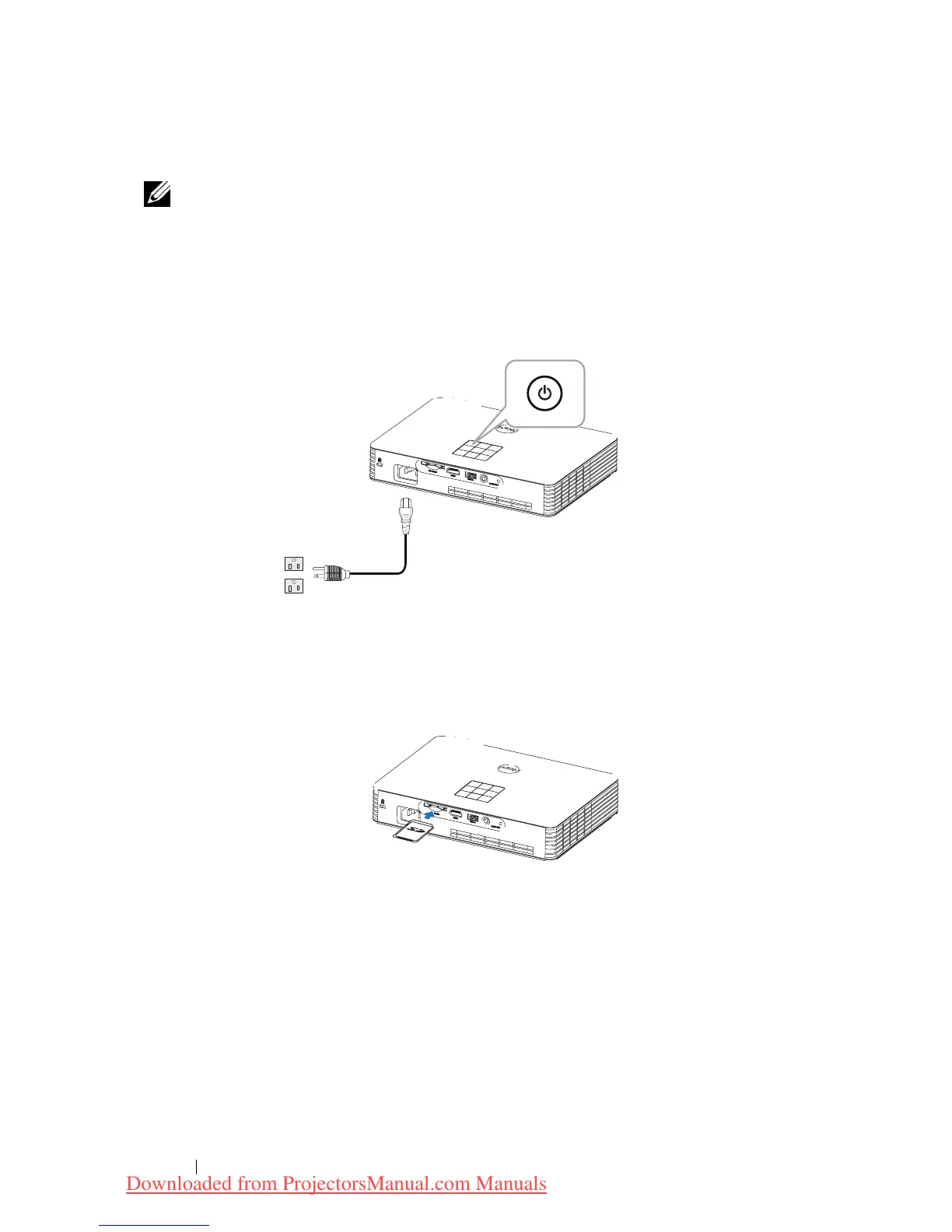
1 Connect the power cable and turn on the projector by pressing the
power button.
2 Plug in a
SD card
to your projector. The image input source will be
automatically switched to SD screen when you plug in a SD card.
Using Your Projector 38
Downloaded from ProjectorsManual.com Manuals



 To Next Page