2
Connecting Your Projector
1
3
2
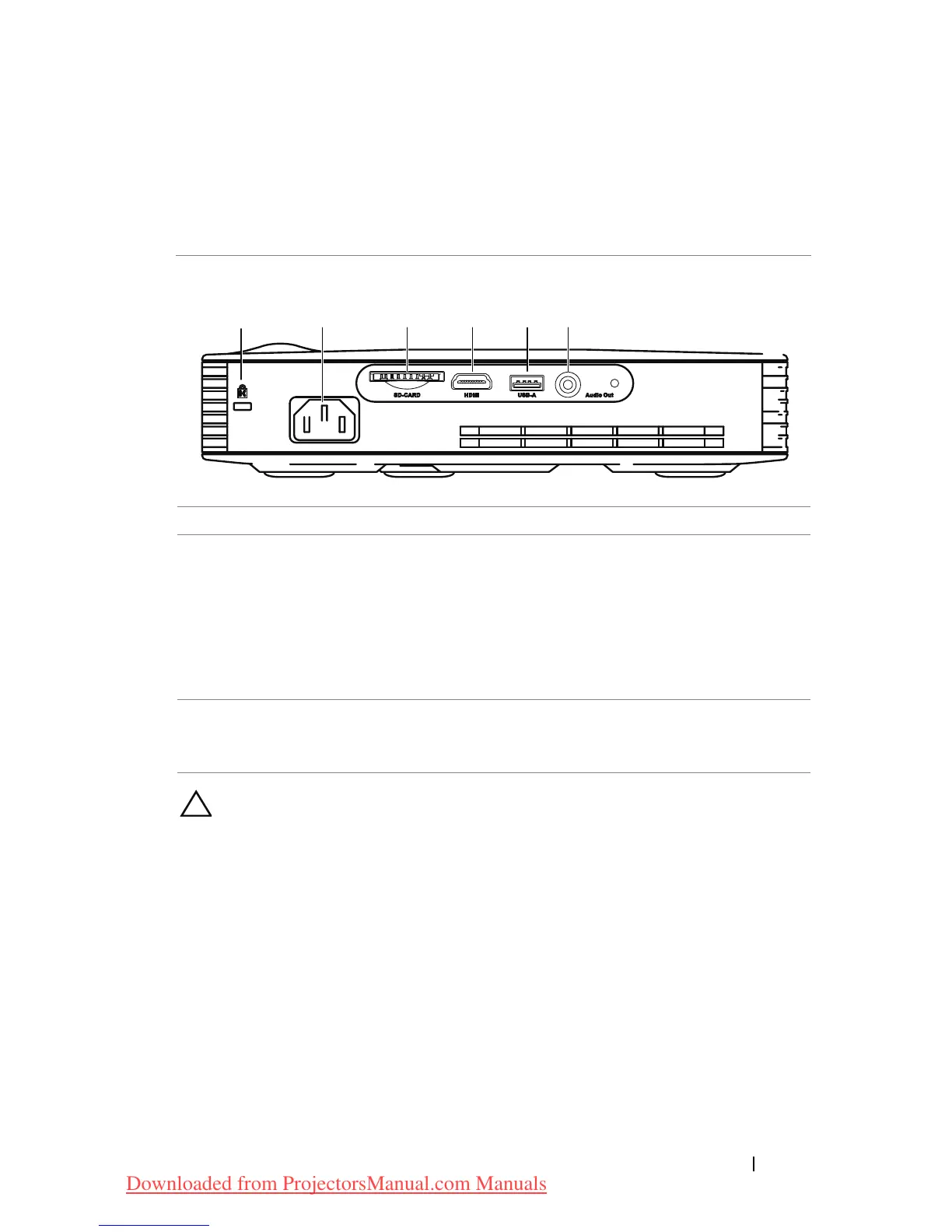
4 5 6
1 Security cable slot 4 HDMI connector
2 Power cord connector 5 USB type A connector for USB
display, multimedia playback
(Video/Music/Photo/Office
Viewer), USB memory storage
access (USB flash
drive/internal memory) and
projector firmware upgrade
3 SD card slot for multimedia
playback (Video/ Music/
Photo/ Office Viewer)
6 Audio-out connector
CAUTION: Before you begin any of the procedures in this section,
follow the Safety Instructions as described on page 5.
Connecting Your Projector 7
Downloaded from ProjectorsManual.com Manuals



 To Next Page