3
4
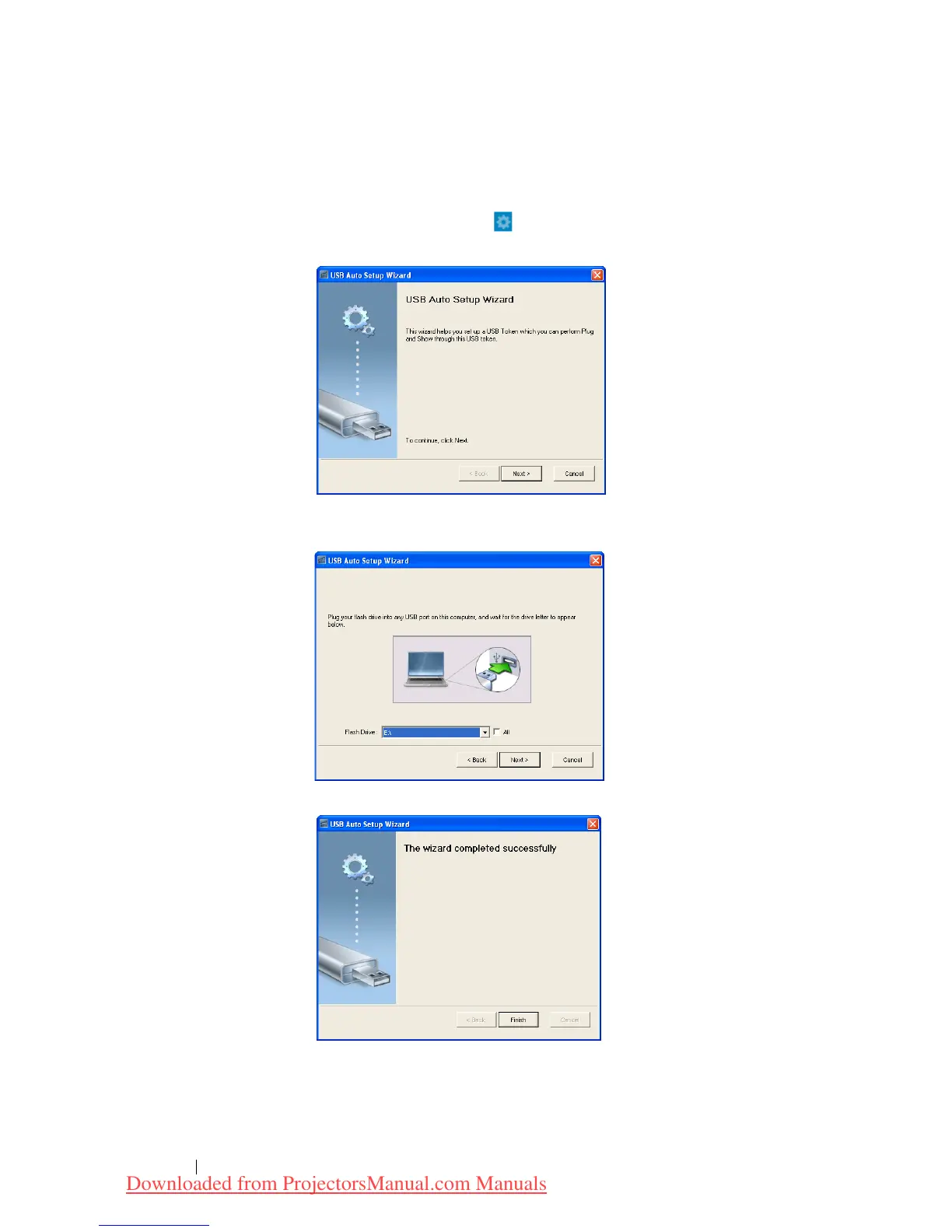
Make Application Token
The Application Token lets you perform Plug and Show using a USB token.
1 From the application software, click > USB Dongle.
2 The following screen appears. Click Next.
Plug a flash drive into any of the USB ports on your computer. Select
the drive from the list, then click Next.
Click Finish to close the wizard.
Using Your Projector 70
Downloaded from ProjectorsManual.com Manuals



 To Next Page