1
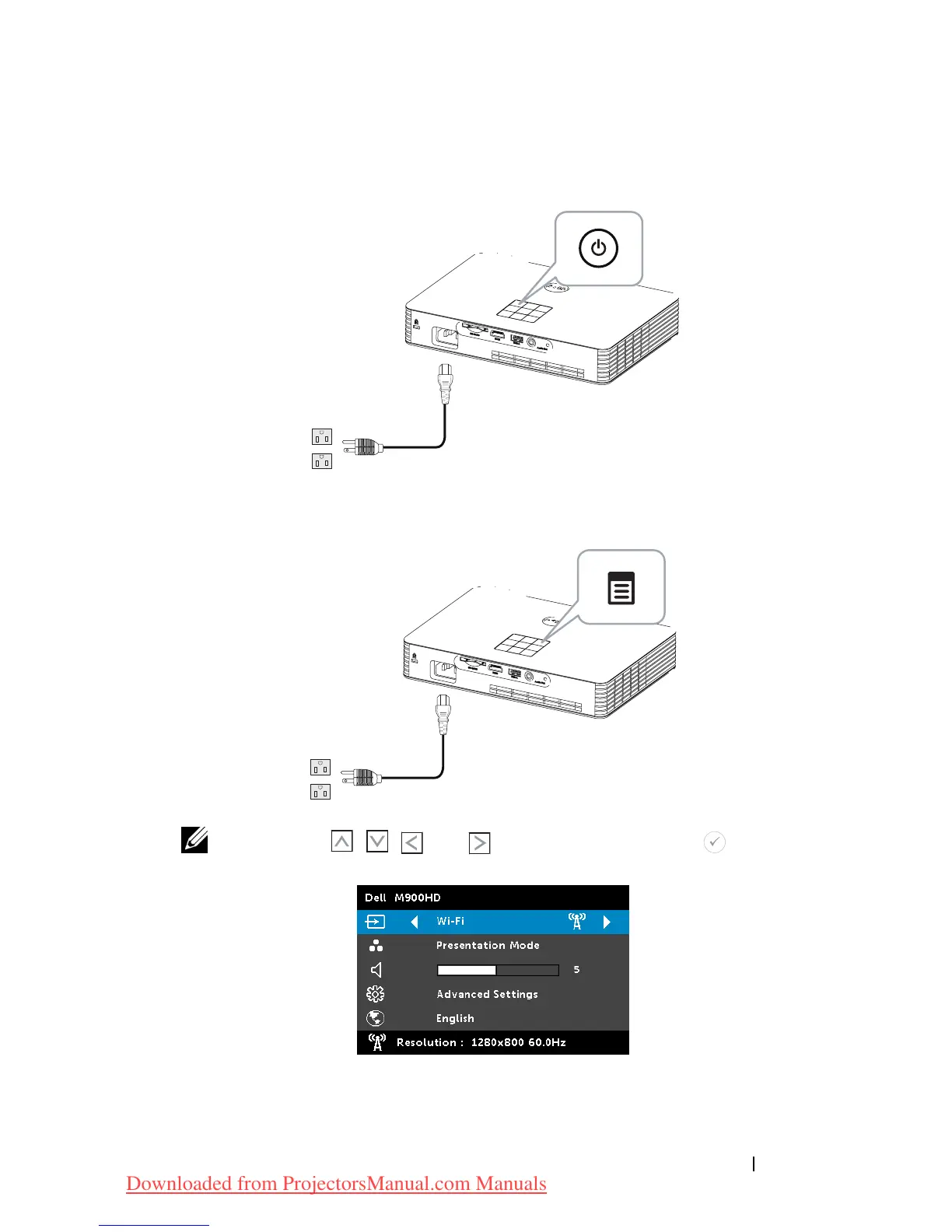
Enable Wi-Fi on the Projector
Connect the power cable and press the power button.
2
Press the
Menu
button on your projector control panel or remote
control.
NOTE: Use , , and buttons to navigate and to select.
3
Select the input source as
Wi-Fi
.
Using Your Projector 49
Downloaded from ProjectorsManual.com Manuals



 To Next Page