ZOOM NAVIGATION—Press to activate the
Zoom
Navigation
menu.
Use to navigate the projection
screen.
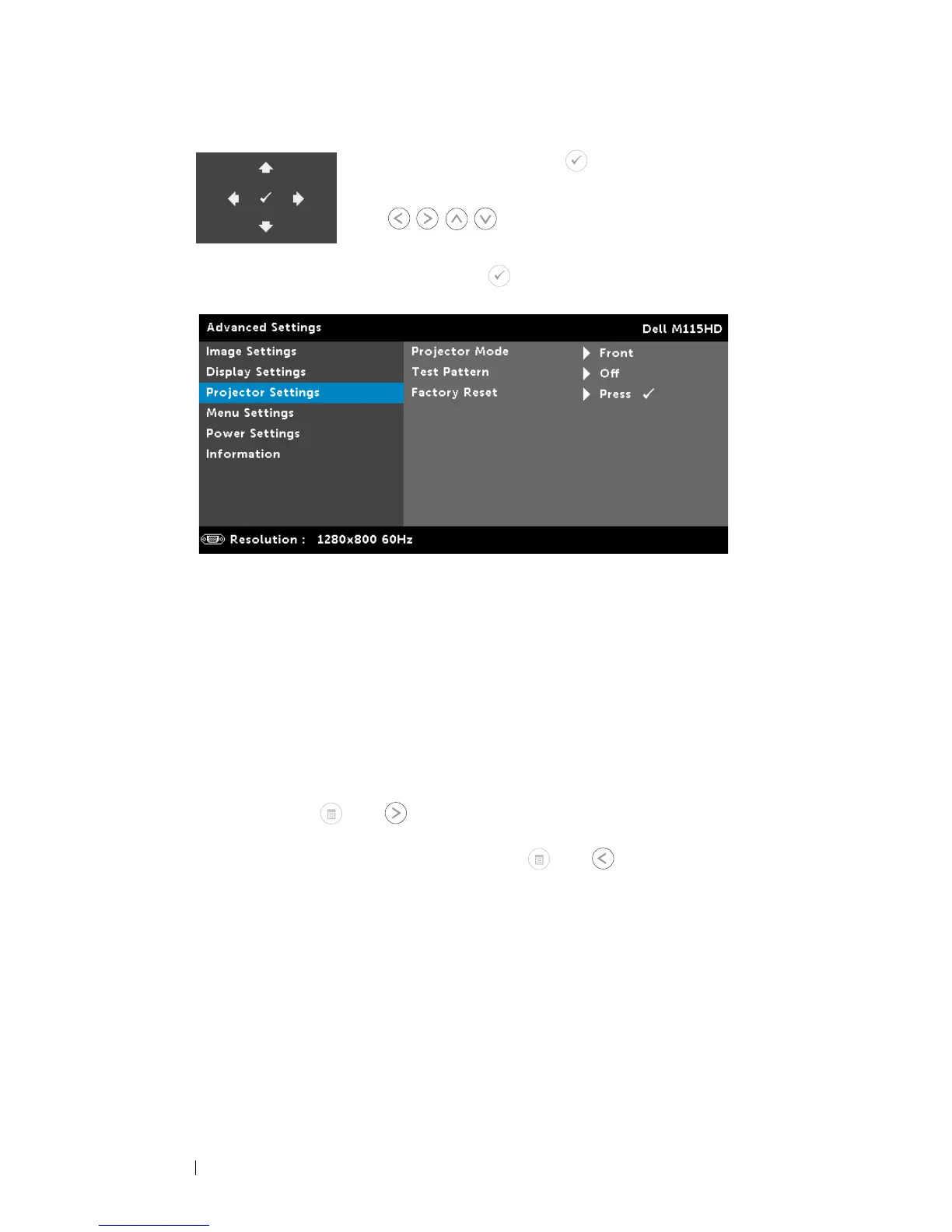
PROJECTOR SETTINGS—Select and press to activate projector settings.
The projector settings menu provides the following options:
P
ROJECTOR MODE—
Allows you to select the projector mode,
depending upon how the projector is mounted.
• Rear Projection-Desktop
—
The projector reverses the image so
that you can project from behind a translucent screen.
• Front Projection-Desktop
—
This is the default option.
T
EST PATTERN—
Test Pattern is used to test focus and
resolution.
You can enable or disable the
Test Pattern
by selecting
Off, 1,
or
2
. You can also invoke the
Test Pattern 1
by pressing and
holding down and buttons on the control panel
simultaneously for 2 seconds. You can also invoke the test
pattern 2 by pressing and holding down and buttons on
the control panel simultaneously for 2 seconds.
Using Your Projector 32



 To Next Page