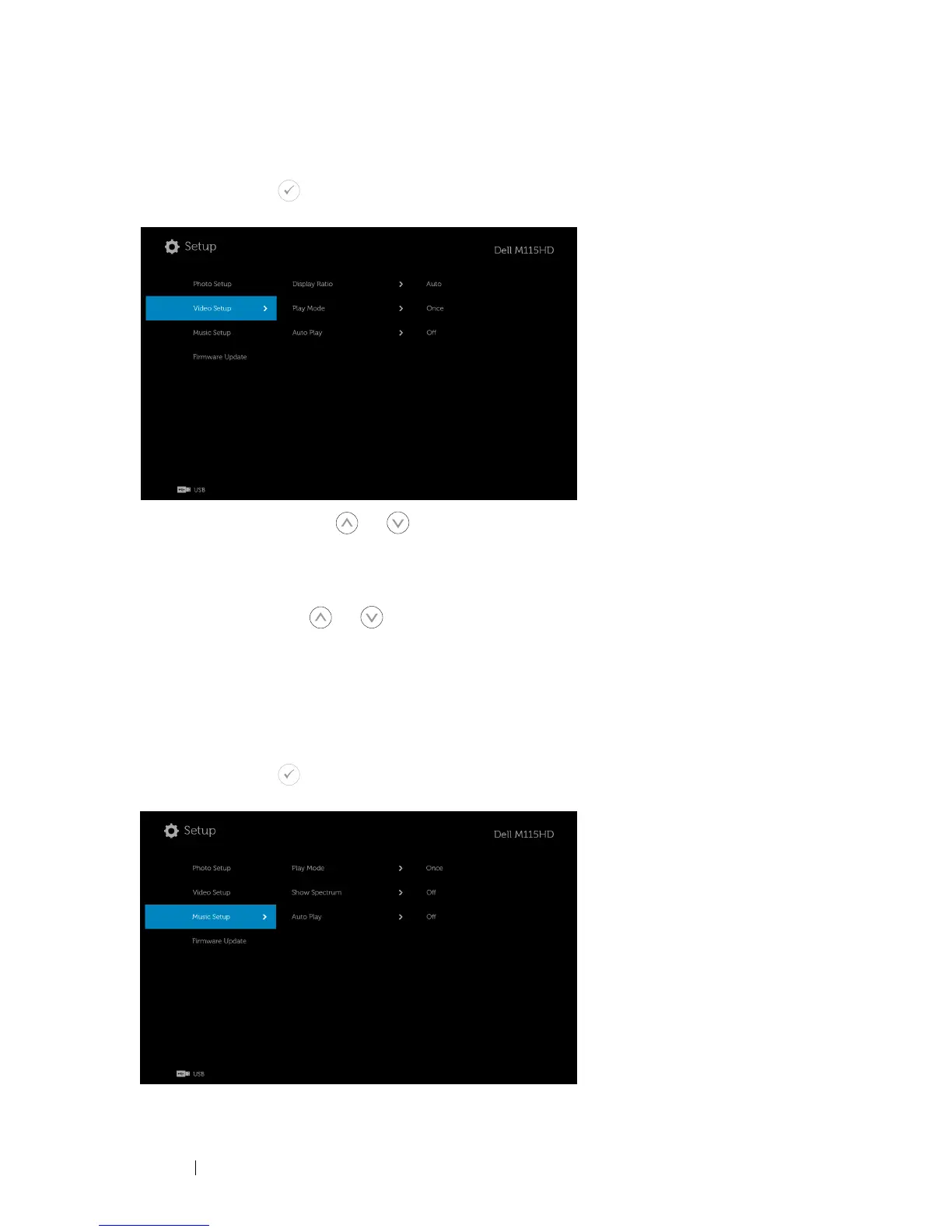
VIDEO SETUP
Select and press to activate video setup menu. The video setup menu
provides the following options:
DISPLAY RATIO—Press
or
to select the display ratio of the Video.
A
UTO—
Keep original aspect ratio.
ORIGINAL SIZE—
Display video in original size of the content.
PLAY MODE—Press
or
to select the video play mode. Options are:
Once
,
Repeat Once
,
Repeat
, and
Random
.
AUTO PLAY—Select
On
to play the video automatically while entering the
video list.
MUSIC SETUP
Select and press to activate music setup menu. The music setup menu
provides the following options:
Using Your Projector 48



 To Next Page