PLAY MODE—Press
or
to select the music play mode. Options are:
Once
,
Repeat Once
,
Repeat
, and
Random
.
SHOW SPECTRUM—Select
On
to show the spectrum plot while music is
playing.
AUTO PLAY—Select
On
to play the music automatically while entering the
music list.
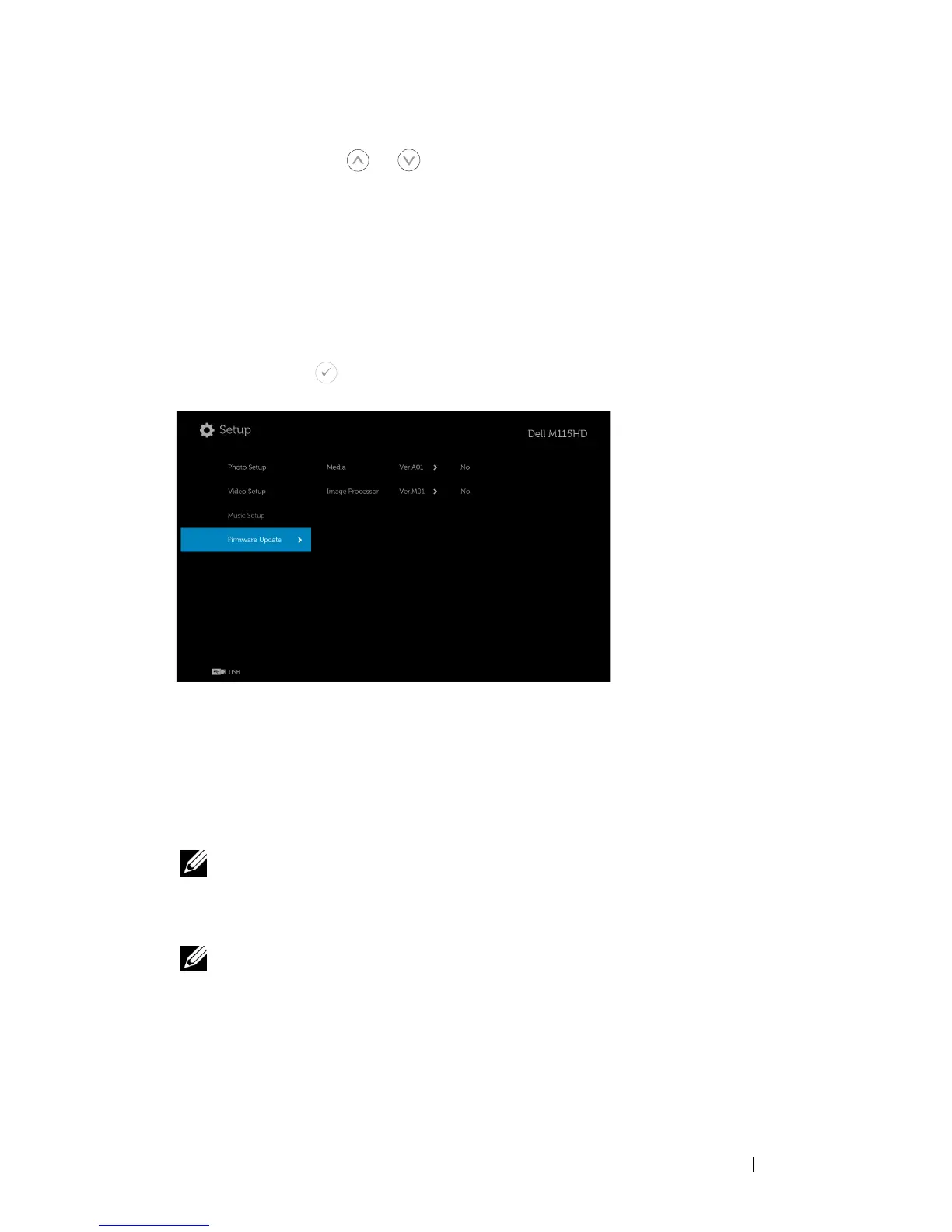
FIRMWARE UPDATE
Select and press to activate firmware update menu. The firmware update
menu provides the following options:
MEDIA—Select "Yes" to enter firmware update screen, and then select
Confirm option to update your media firmware by micro SD card and USB
flash drive.
IMAGE PROCESSOR—Select "Yes" to enter firmware update screen, and then
select Confirm option to update your Video decoder firmware by micro SD
card and USB flash drive.
NOTE: Media and Image Processor firmware upgrade supports
micro SD interface and USB flash drive. Please ensure the
Media
and
Image Processor
firmware (*.bin and *.inf files) are in the root
directory of Micro SD card (or USB flash drive).
NOTE: You can download the "media and image processor" firmware
files from the Dell Support site at
dell.com/support
.
Using Your Projector 49



 To Next Page