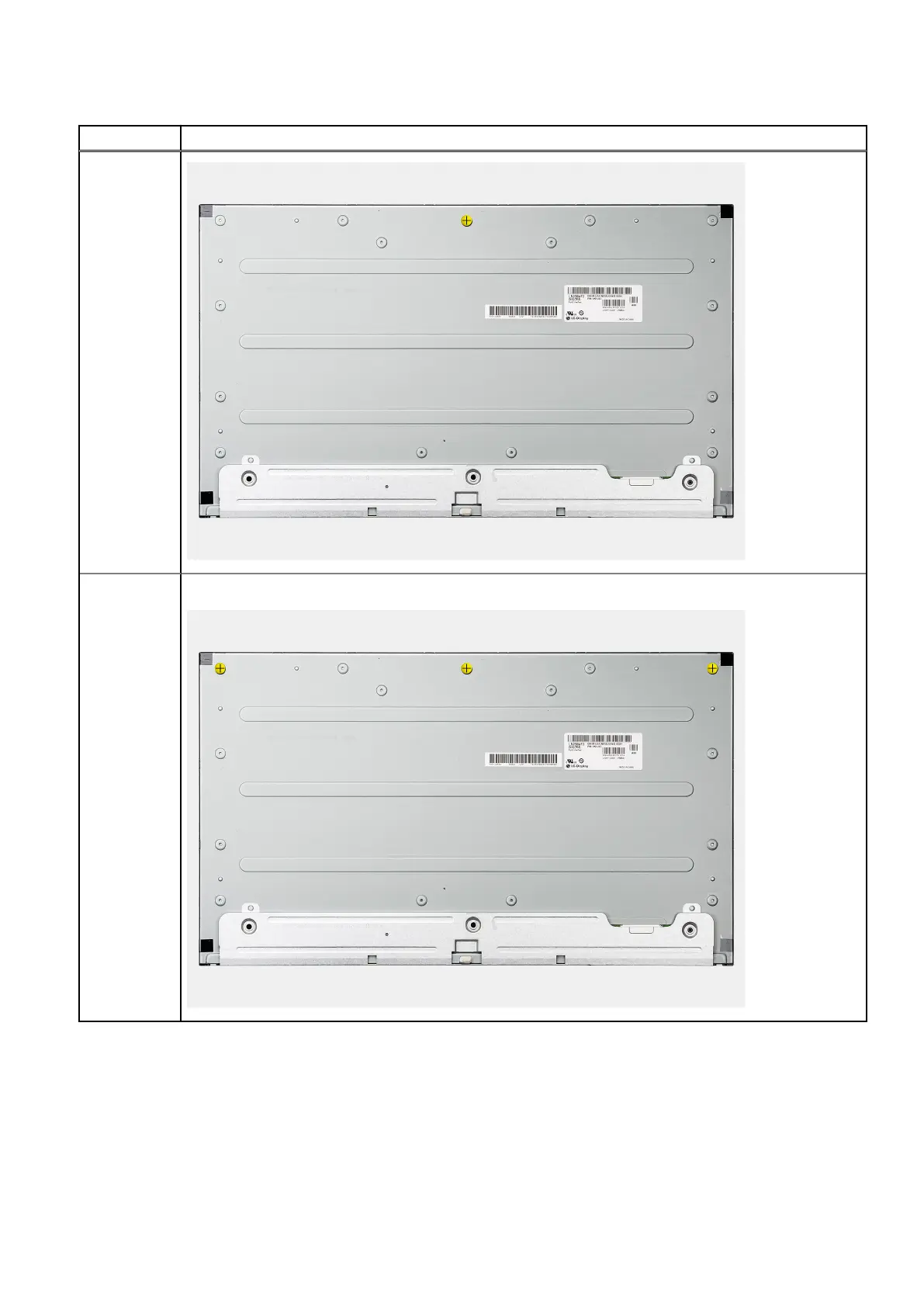
Table 3. Number of jig screws (continued)
Display type Number of jig screws
Non-touch
display
Three
6. Route the display back-light cable in the routing guides on the display-assembly base.
Next steps
1. Install the PSU fan.
2. Install the PSU.
3. Install the system board.
4. Install the camera assembly.
82
Removing and installing components










 To Next Page