6/15
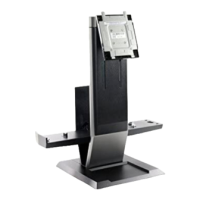
Setting up the Dell OptiPlex SFF 980 AIO Stand
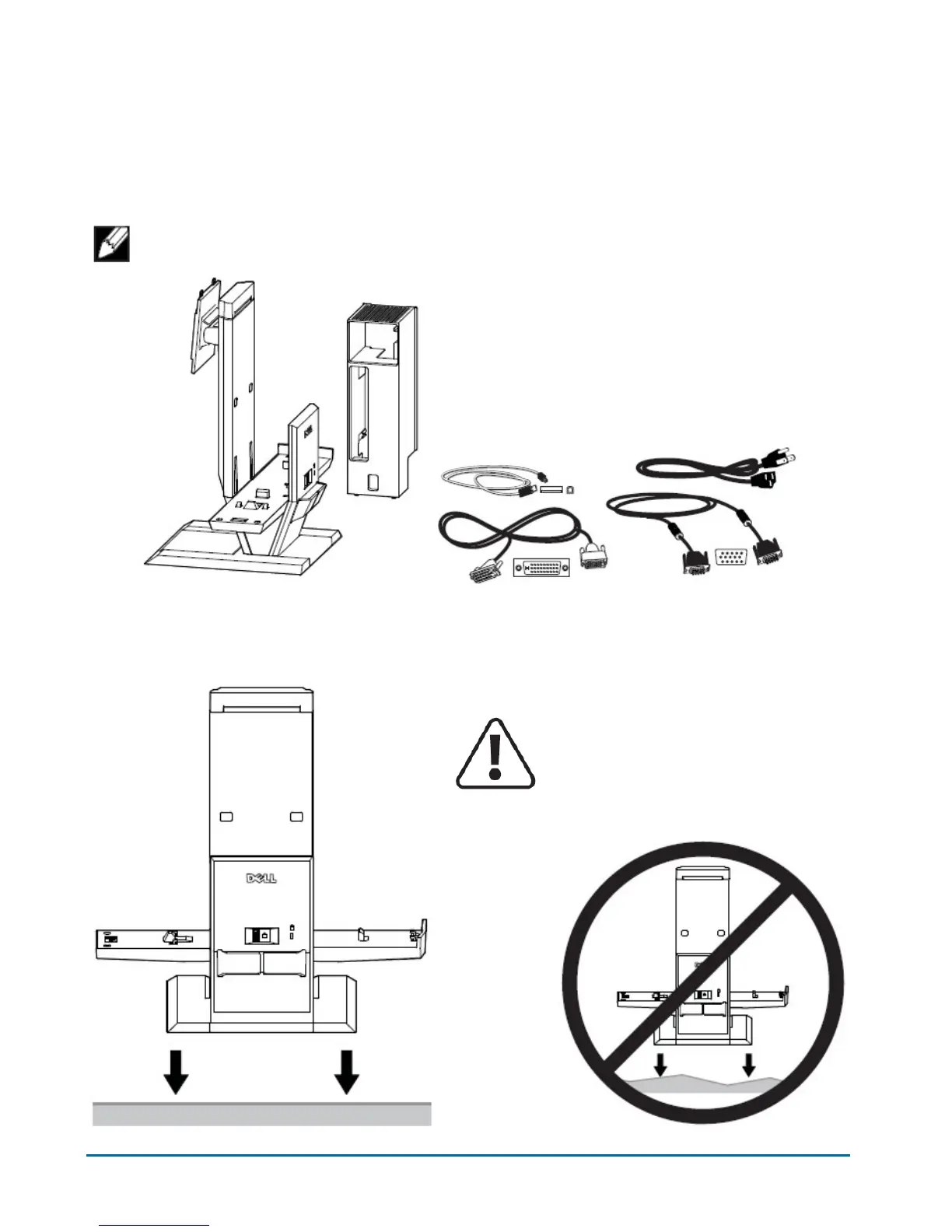
Components
AIO Stand, Cable Cover, VGA Cable, DVI Cable, USB Cable, Power Cord
NOTE:Refer to the Monitor and System Instruction Guides, packaged separately.
______________________________________________________________________________________
1 Place the AIO Stand on a level, stable surface.
2
WARNING:To reduce risk of injury and/or
equipment damage, the AIO Stand must be
placed on a level, stable surface.


 To Next Page