About this task
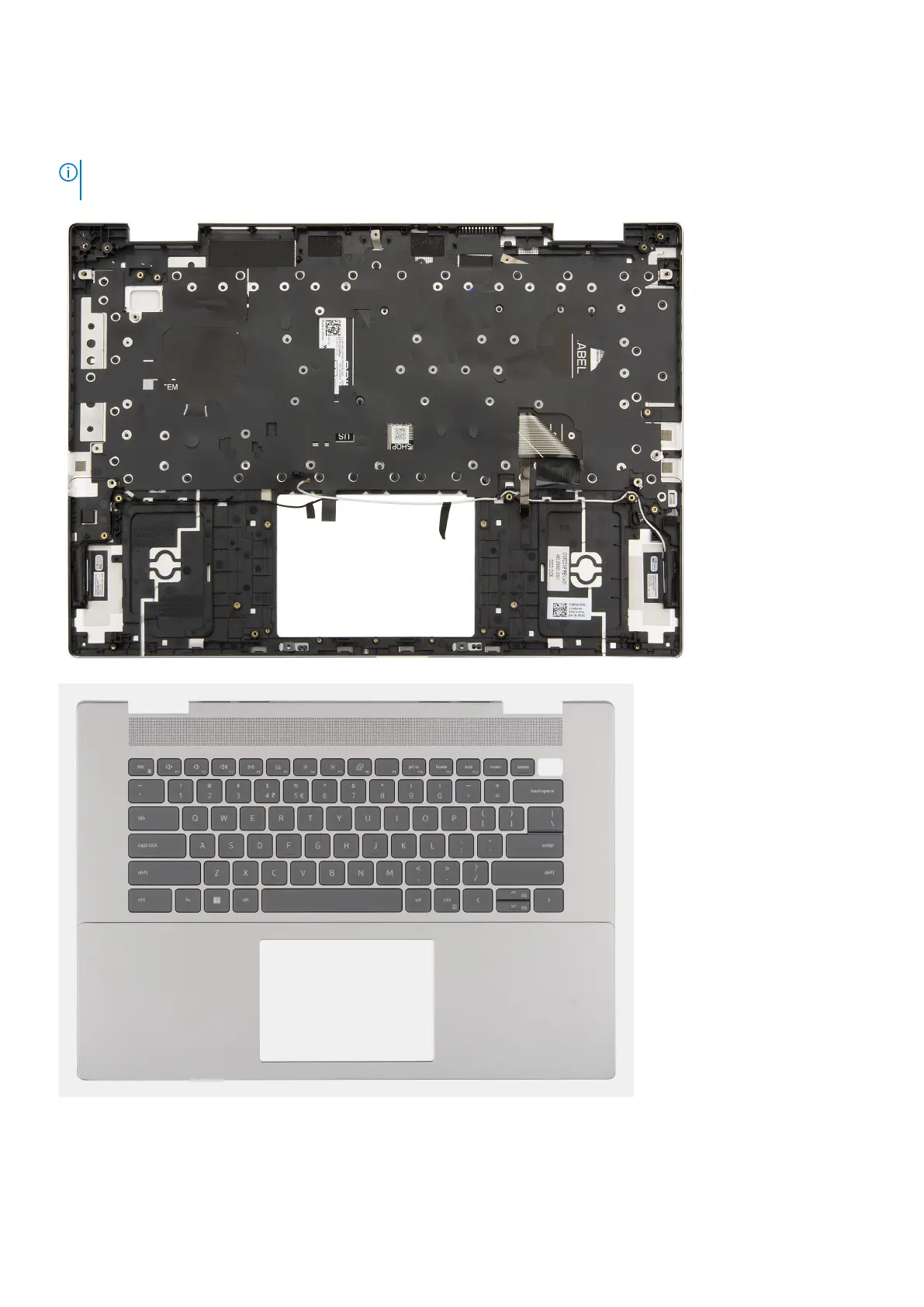
The following image(s) indicate the location of the palm-rest and keyboard assembly and provides a visual representation of the
installation procedure.
NOTE: If either the system board or the heat sink is replaced, use the thermal grease provided in the kit to ensure that
thermal conductivity is achieved.
Steps
Place the palm-rest and keyboard assembly on a flat and clean surface and perform the post-requisites to install the palm-rest
and keyboard assembly.
Removing and installing Field Replaceable Units (FRUs)
83



 To Next Page