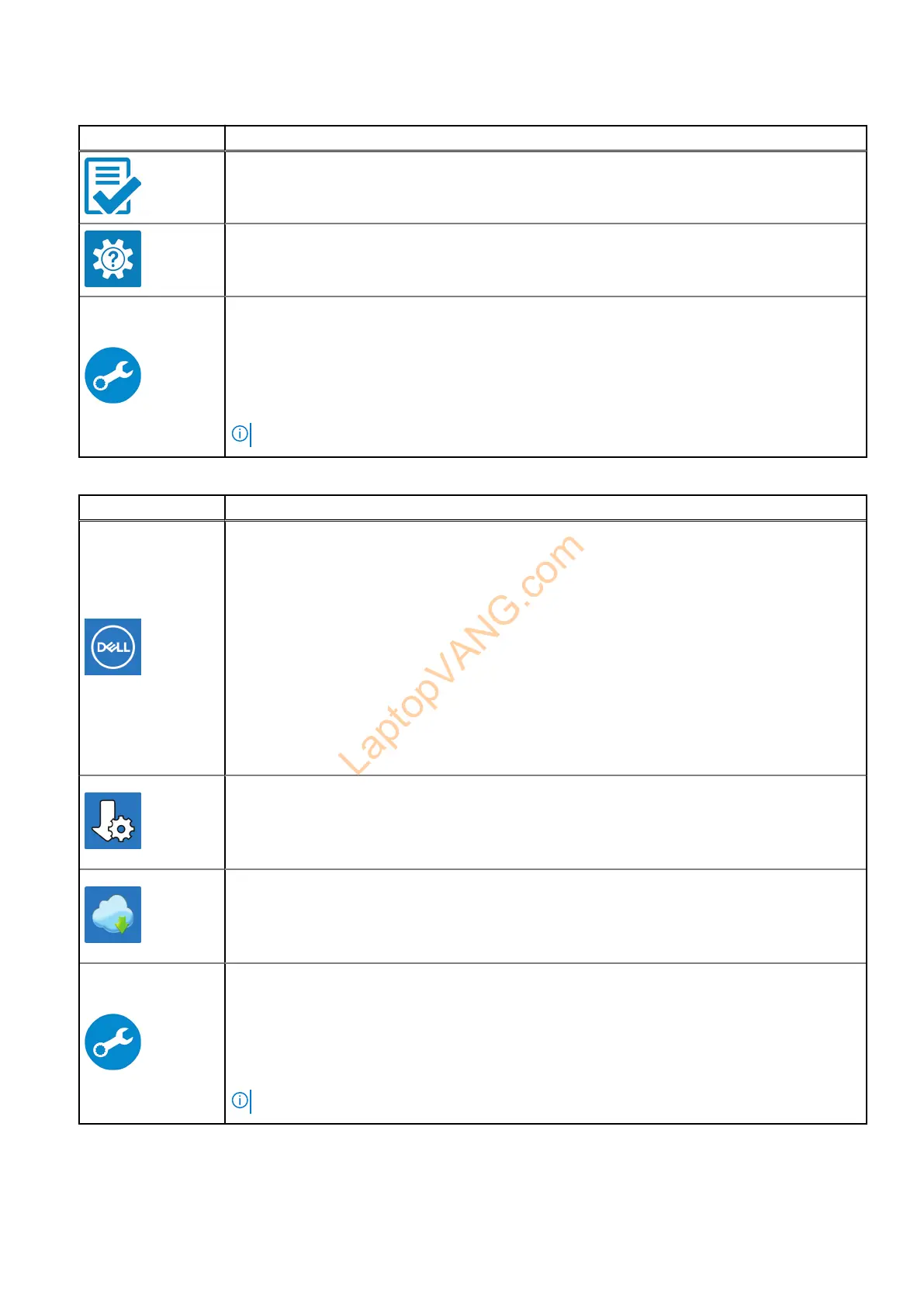
Table 2. Locate Dell apps in Windows in S-mode
Resources Description
Dell Product Registration
Register your computer with Dell.
Dell Help & Support
Access help and support for your computer.
SupportAssist
SupportAssist proactively and predictively identifies hardware and software issues on your
c
omputer and automates the engagement process with Dell Technical support. It addresses
performance and stabilization issues, prevents security threats, monitors, and detects hardware
failures. For more information, see SupportAssist for Home PCs User's Guide at www.dell.com/
support/home/product-support/product/dell-supportassist-pcs-tablets/docs.
NOTE:
In SupportAssist, click the warranty expiry date to renew or upgrade your warranty.
Table 3. Locate Dell apps in Windows
Resources Description
My Dell
MyDell is a software application that offers you a single streamlined engagement platform including
a
ccount access, device information, and hardware settings. This software delivers intelligent
features that automatically fine-tune your computer for the best possible audio, power, and
performance. Get the most out of your Dell device with intelligent, personalized technology from
MyDell. Following are the key features of MyDell:
● Application
● Audio
● Power
● Color and Display
● Presence detection
For more information about how to use MyDell, see product guides at www.dell.com/support.
Dell Update
Updates your computer with critical fixes and latest device drivers as they become available.
F
or more information about using Dell Update, see the product guides and third-party license
documents at www.dell.com/support.
Dell Digital Delivery
Download software applications, which are purchased but not preinstalled on your computer. For
m
ore information about using Dell Digital Delivery, search in the Knowledge Base Resource at
www.dell.com/support.
SupportAssist
SupportAssist proactively and predictively identifies hardware and software issues on your
c
omputer and automates the engagement process with Dell Technical support. It addresses
performance and stabilization issues, prevents security threats, monitors, and detects hardware
failures. For more information, see SupportAssist for Home PCs User's Guide at www.dell.com/
support/home/product-support/product/dell-supportassist-pcs-tablets/docs.
NOTE: In SupportAssist, click the warranty expiry date to renew or upgrade your warranty.
14 Set up your Inspiron 16 7640 2-in-1



 To Next Page