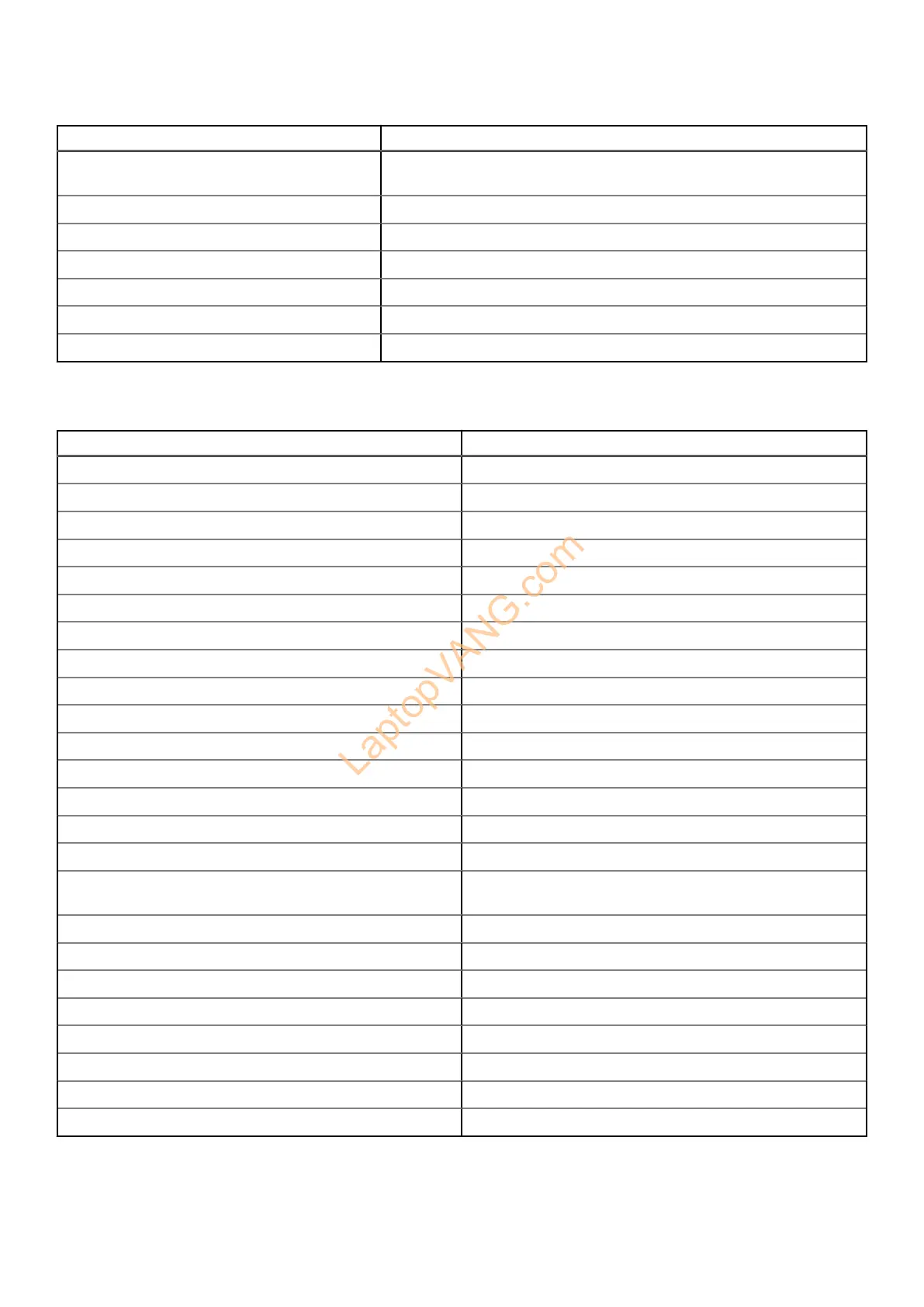
Table 15. List of keyboard shortcuts(continued)
Function key Primary behavior
F5 Toggle to cycle the keyboard backlight status through off, low-backlight,
a
nd high-backlight
F6 Decrease brightness
F7 Increase brightness
F8 Switch to external display
F10 Print screen
F11 Home
F12 End
The fn key is also used with selected keys on the keyboard to invoke other secondary functions.
Table 16. Secondary behavior
Function key Secondary behavior
fn + F1 Operating system and application specific F1 behavior
fn + F2 Operating system and application specific F2 behavior
fn + F3 Operating system and application specific F3 behavior
fn + F4 Operating system and application specific F4 behavior
fn + F5 Operating system and application specific F5 behavior
fn + F6 Operating system and application specific F6 behavior
fn + F8 Operating system and application specific F8 behavior
fn + F9 Operating system and application specific F9 behavior
fn + F10 Operating system and application specific F10 behavior
fn + F11 Operating system and application specific F11 behavior
fn + F12 Operating system and application specific F12 behavior
fn + prt sc Turn off/on wireless
fn + B Pause/Break
fn + insert Sleep
fn + S Toggle scroll lock
fn + H Toggle between power and battery-status light/hard-drive
a
ctivity light
fn + R System request
fn + ctrl Open the application menu
fn + esc Toggle fn-key lock
fn + ^pg Page up
fn + ^pg Page down
fn + home Home
fn + end End
fn + Copilot Open the application menu
Specifications of Inspiron 16 7640 2-in-1 21



 To Next Page