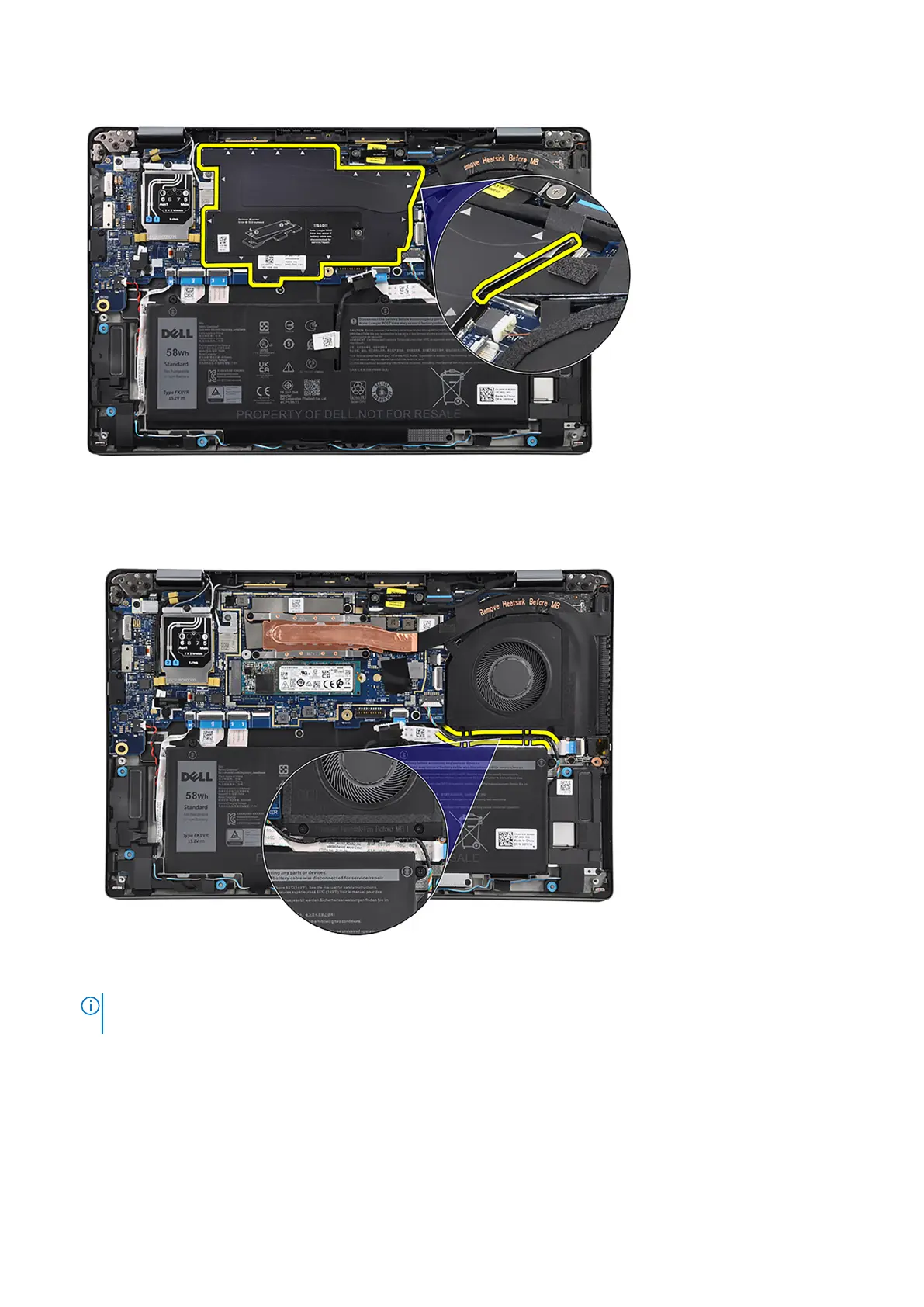
2. Disconnect the thermal-fan cable from the connector on the system board.
3. Disconnect the speaker cable from the connector on the system board.
4. Unroute the speaker cable from its routing guides, along the bottom side of the thermal fan.
5. Remove the two screws (M2x2.5) that secure the thermal fan and four screws (M2x2.5) that secure the thermal heat-sink
to the system board.
NOTE:
Remove the four screws (M2x2.5) in the reverse sequential order mentioned on the thermal heat-sink [4 > 3 > 2
> 1].
6. Lift and remove the thermal module from the system board.
Installing the thermal module
Prerequisites
If you are replacing a component, remove the existing component before performing the installation procedure.
46
Removing and installing components



 To Next Page