Operating the Monitor | 25
Operating the Monitor
Turning on the Monitor
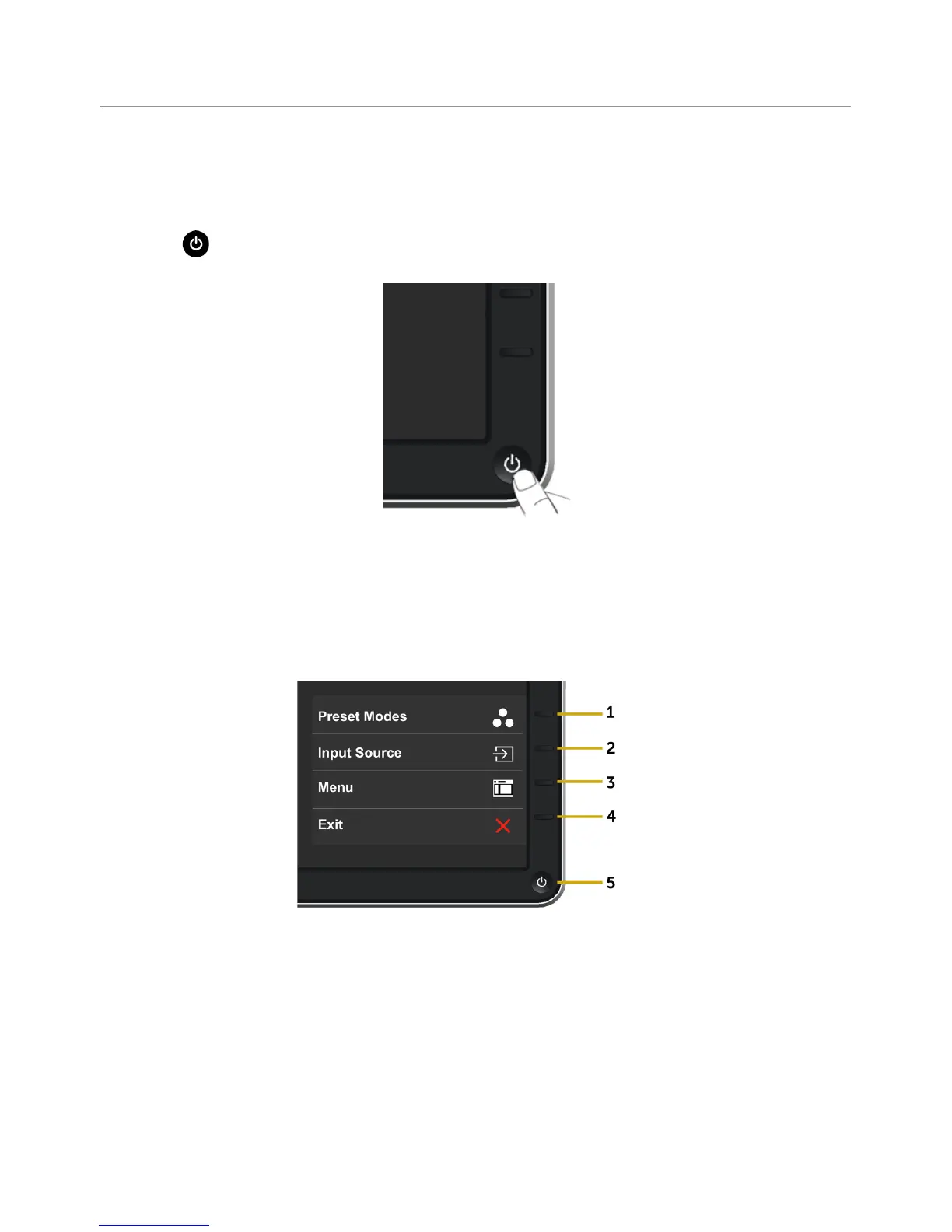
Press the button to turn on the monitor.
Using the Front Panel Controls
Use the control buttons on the front of the monitor to adjust the characteristics of the
image being displayed. As you use these buttons to adjust the controls, an OSD shows
the numeric values of the characteristics as they change.



 To Next Page