Operating the monitor │ 63
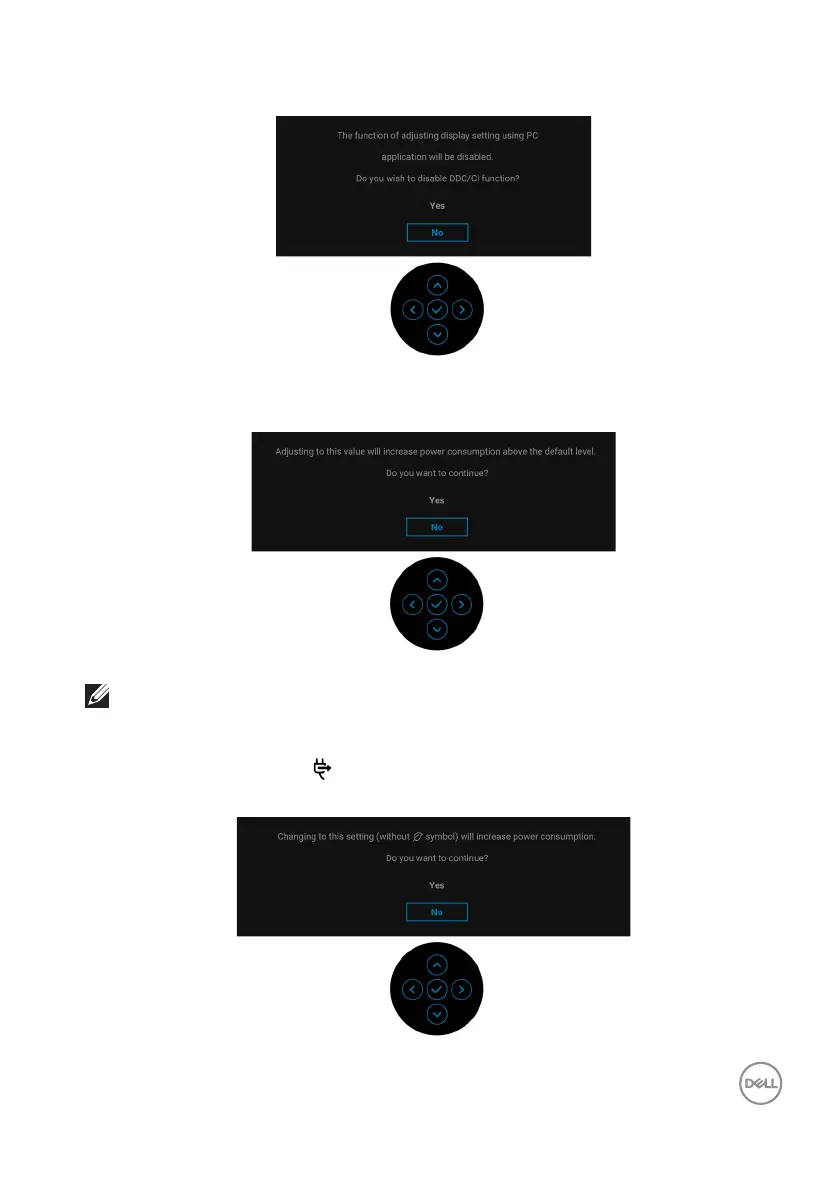
You will see the following message before the DDC/CI function is disabled:
When you adjust the Brightness level above the default level for the first time, the
following message appears:
NOTE: If you select Yes, the message will not appear the next time you
change the Brightness setting.
When you change the default setting
of power saving features for the first time,
such as USB-C Charging
65W or Other USB Charging, the following
message appears:


 To Next Page