70 │ Operating the monitor
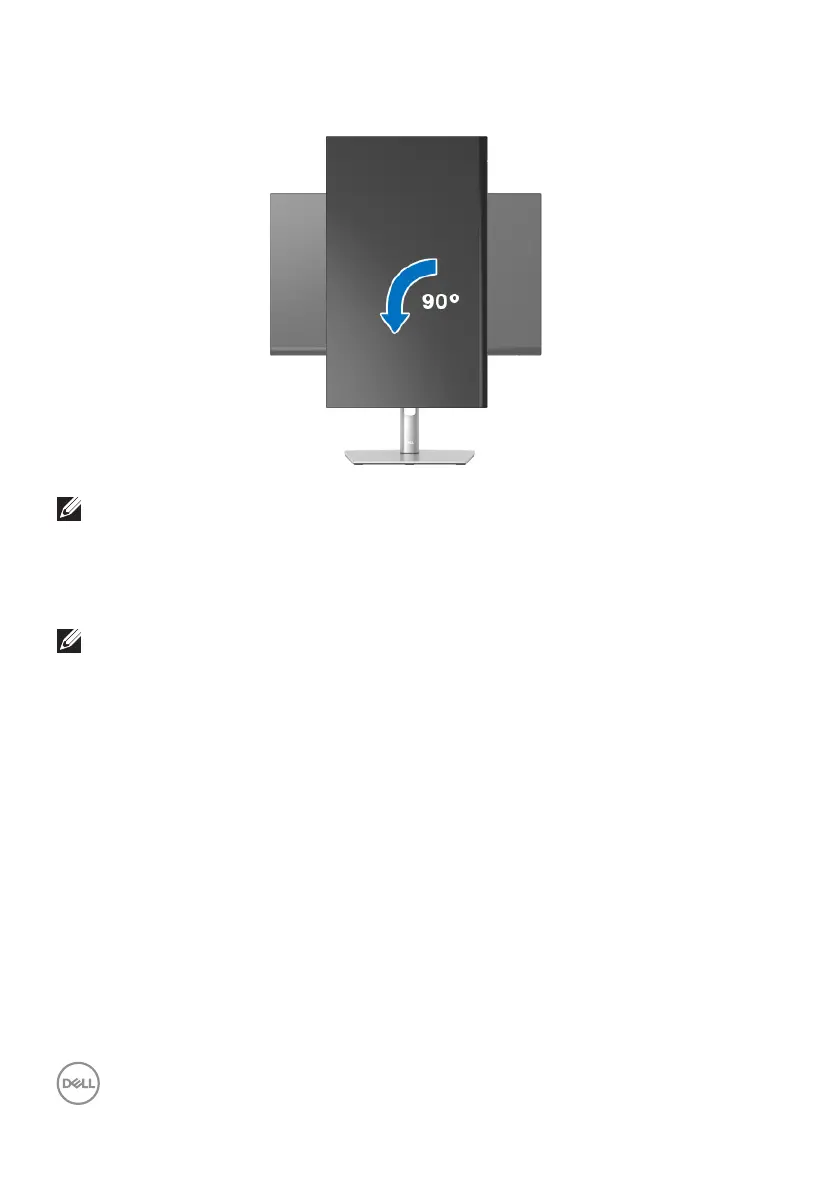
Rotate counterclockwise
NOTE: To use the Display Rotation function (Landscape versus Portrait
view) with your Dell computer, you require an updated graphics driver
that is not included with this monitor. To download the graphics driver,
go to www.dell.com/support
and see the Download section for Video
Drivers for latest driver updates.
NOTE: When in the Portrait View Mode, you may experience
performance degradation in graphic-intensive applications (3D Gaming
and etc.).


 To Next Page