Operating the monitor │ 65
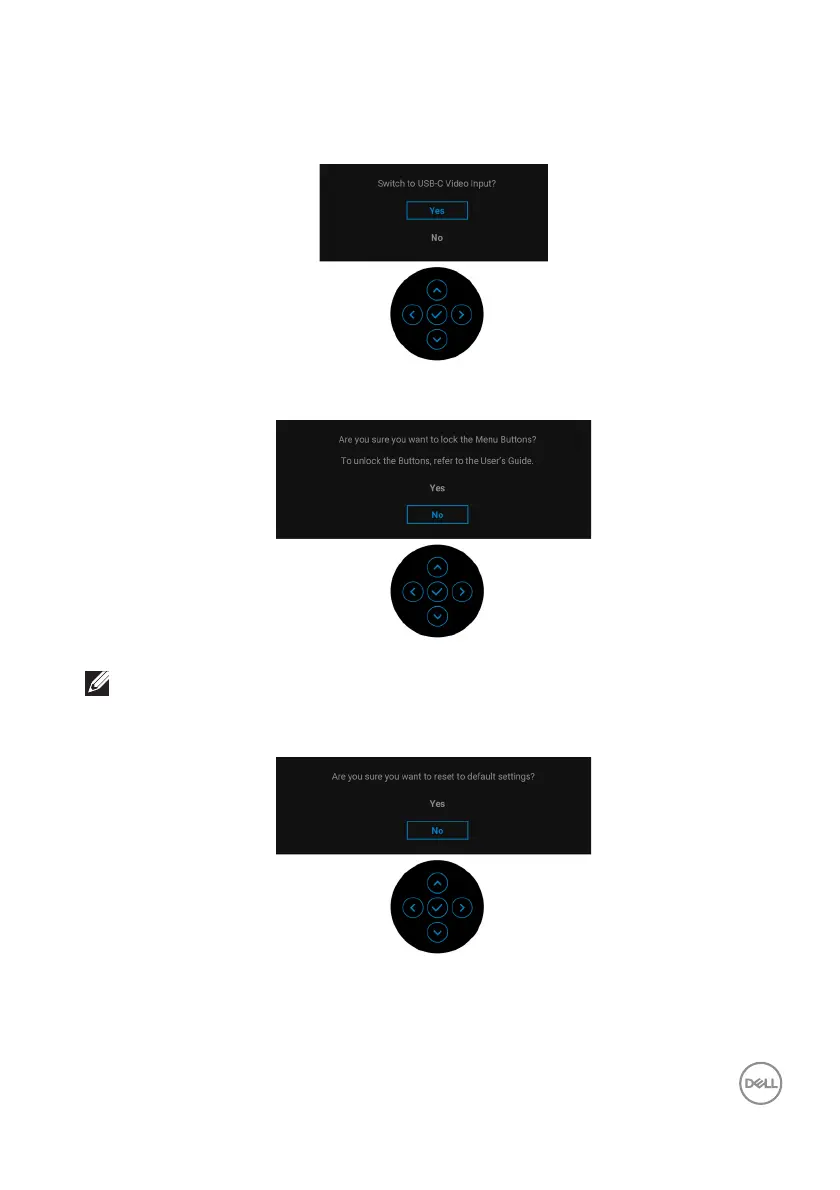
When the monitor is under DP/HDMI input and a USB Type-C cable is connected to
a notebook that supports DP Alternate Mode, if Auto Select for USB-C is enabled,
the following message appears:
You will see the following message before the Lock function is activated:
NOTE: The message may be slightly different according to the selected
settings.
When F
actory Reset is selected, the following message appears:


 To Next Page