32 | Setting Up the Monitor
NOTE:
1 Support USB Type C Alternate mode with DP 1.2, DP 1.1 is not supported.
2 Support USB PD (Power Delivery) profiles up to 65W(20V/3.25A).
3 If your Notebook required >65W(20V/3.25A) to operate and the battery is drained, it
may not power up or charge with P2219HC/P2419HC/P2719HC USB PD.
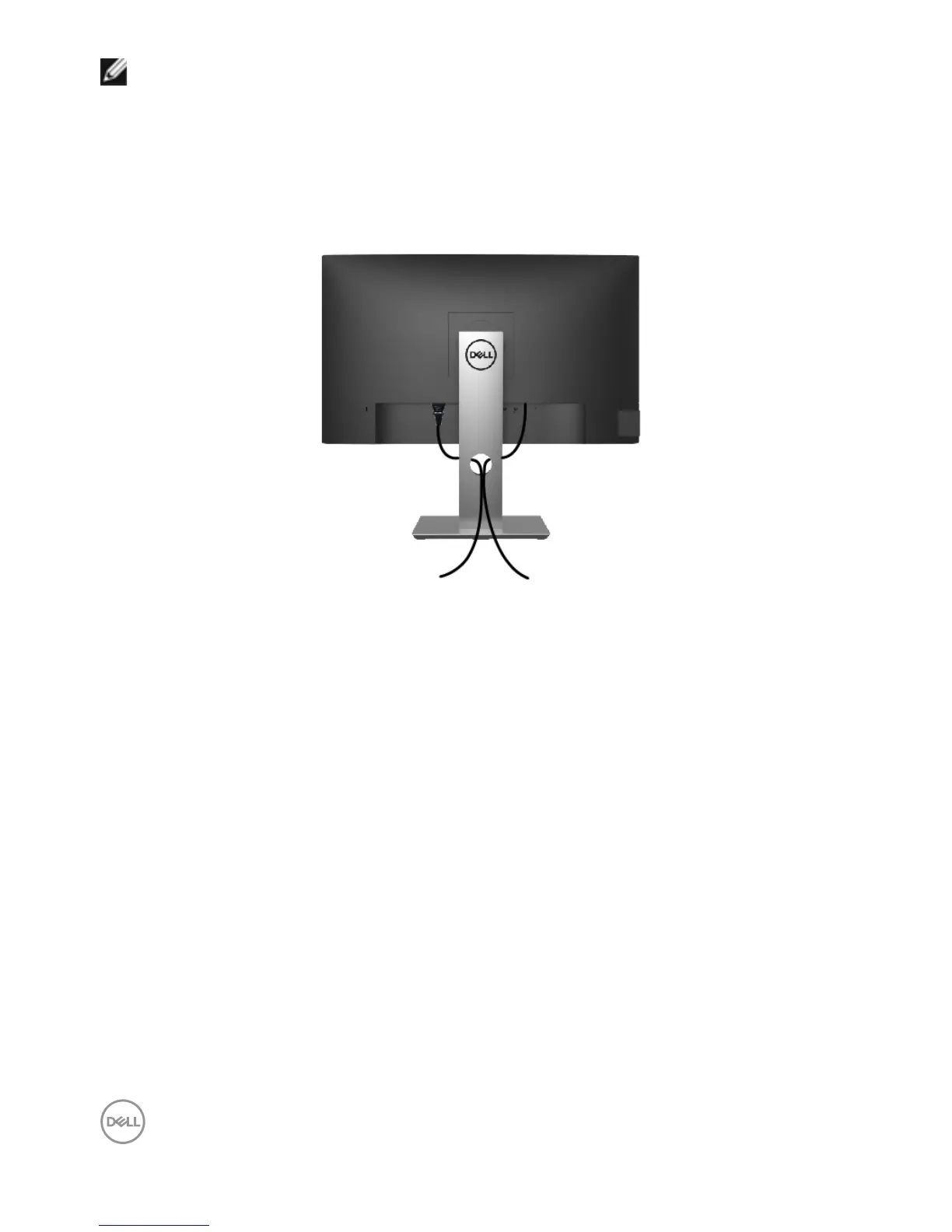
Organizing Your Cables
After attaching all necessary cables to your monitor and computer, (see Connecting Your
Monitor for cable attachment) organize all cables as shown above.


 To Next Page