Operating your monitor │ 43
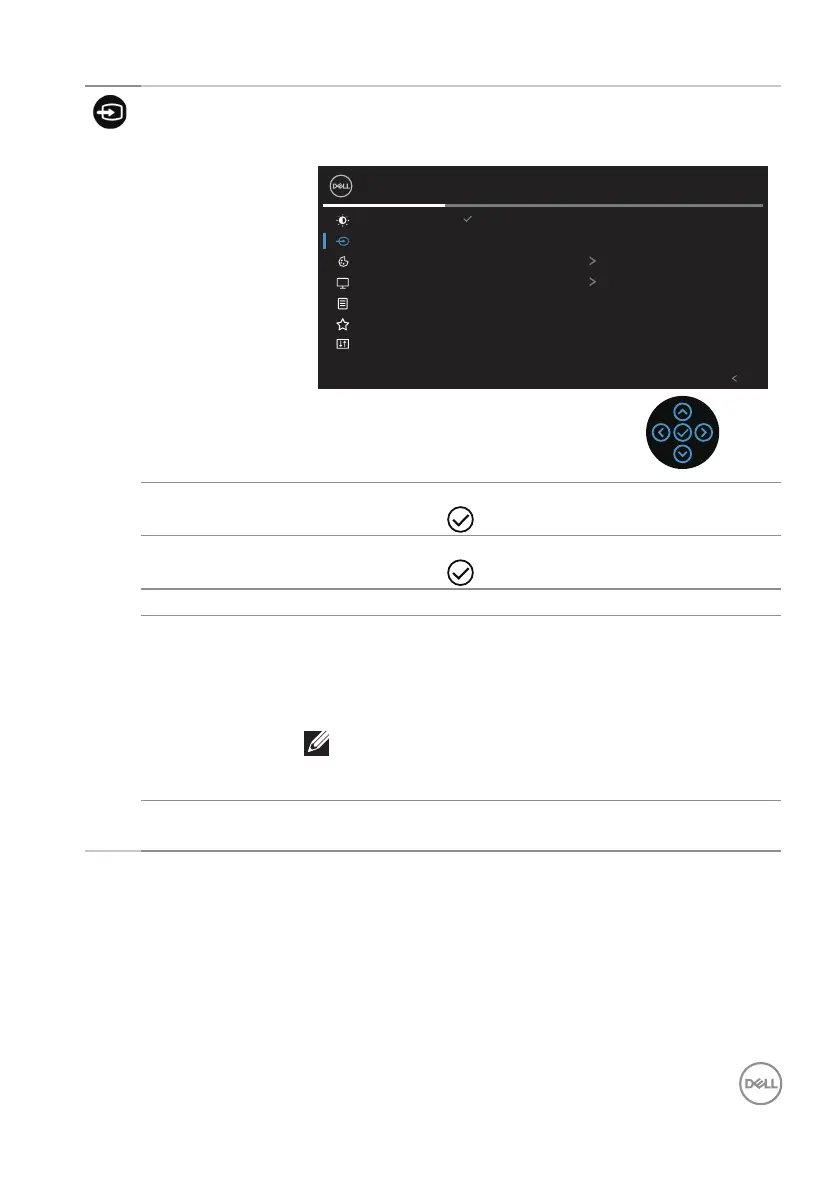
Input Source Use the Input Source menu to select between the
different video signals that may be connected to your
monitor.
Brightness/Contrast
Input Source
2X Monitor
Color
Display
Menu
Personalize
Others
Exit
DP
HDMI
Auto Select On
DP
Rename Inputs
Reset Input Source
DP Select DP input when you are using the DisplayPort
connector. Push to select the DP input source.
HDMI Select HDMI input when you are using the HDMI
connector. Push to select the HDMI input source.
Auto Select Choose Auto Select to scan for available input signals.
Rename Inputs Allows you to specify a preset input name for the
selected input source. The preset options are PC, PC
1, PC 2, Laptop, Laptop 1, and Laptop 2. The default
setting is Off.
NOTE: It is not applicable for the input names
shown in the warning messages and Display
Info.
Reset Input
Source
Select this option to restore default Input Source.



 To Next Page