Operating your monitor │ 55
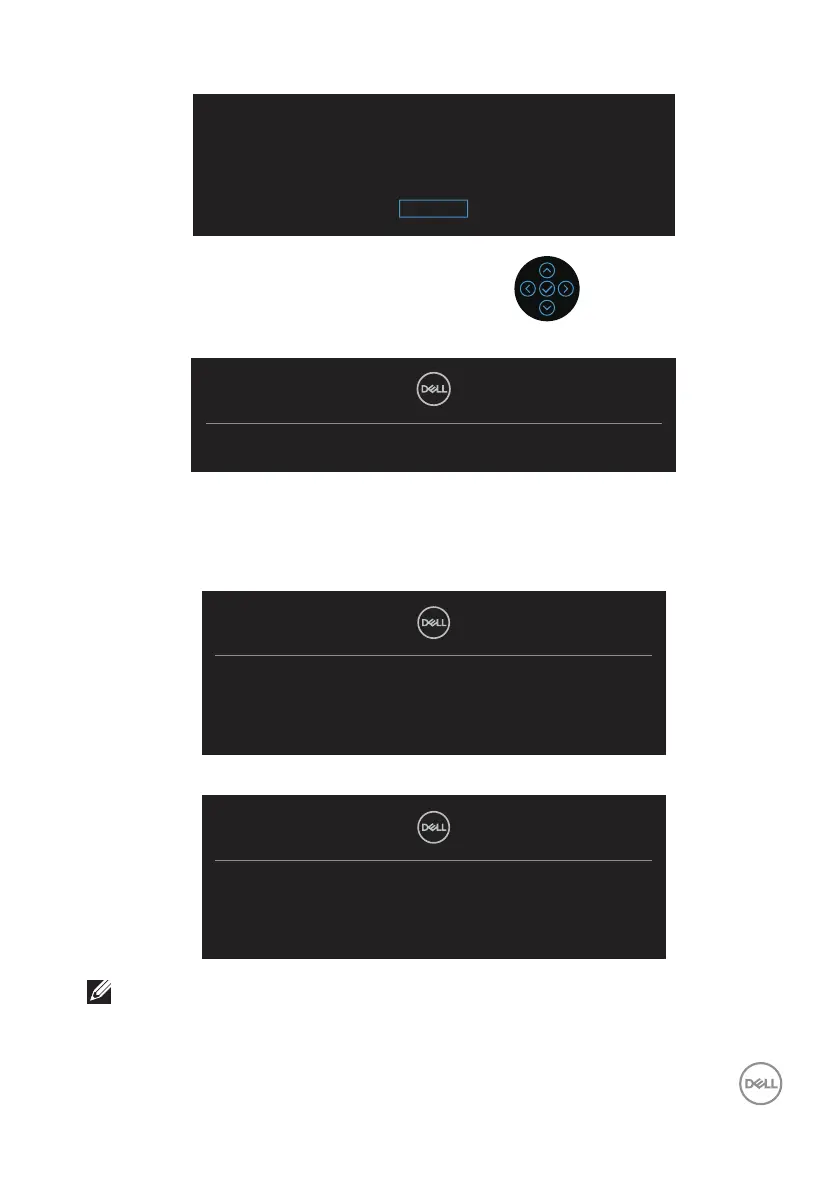
Are you sure you want to lock the Menu Buttons?
Yes
To unlock the Buttons, refer to the User’s Guide.
No
When the monitor goes into power-save mode, the following message appears:
Going into Standby mode...
If either HDMI or DisplayPort cable is not connected, a floating dialog box as shown
below appears. The monitor will enter Standby Mode after 4 minutes if left at this
state.
No HDMI Cable
The display will go into Standby mode in 4 minutes.
www.dell.com/P2X23D
or
No DP Cable
The display will go into Standby mode in 4 minutes.
www.dell.com/P2X23D
NOTE: The message may be slightly dierent according to the
connected input signal.



 To Next Page